Watch, Learn, Create
Welcome to Euryka Academy. Our comprehensive video library features essential walkthroughs and step-by-step tutorials. Master every Euryka feature, technique, and workflow through expert-led learning paths and maximise your potential. Happy learning!

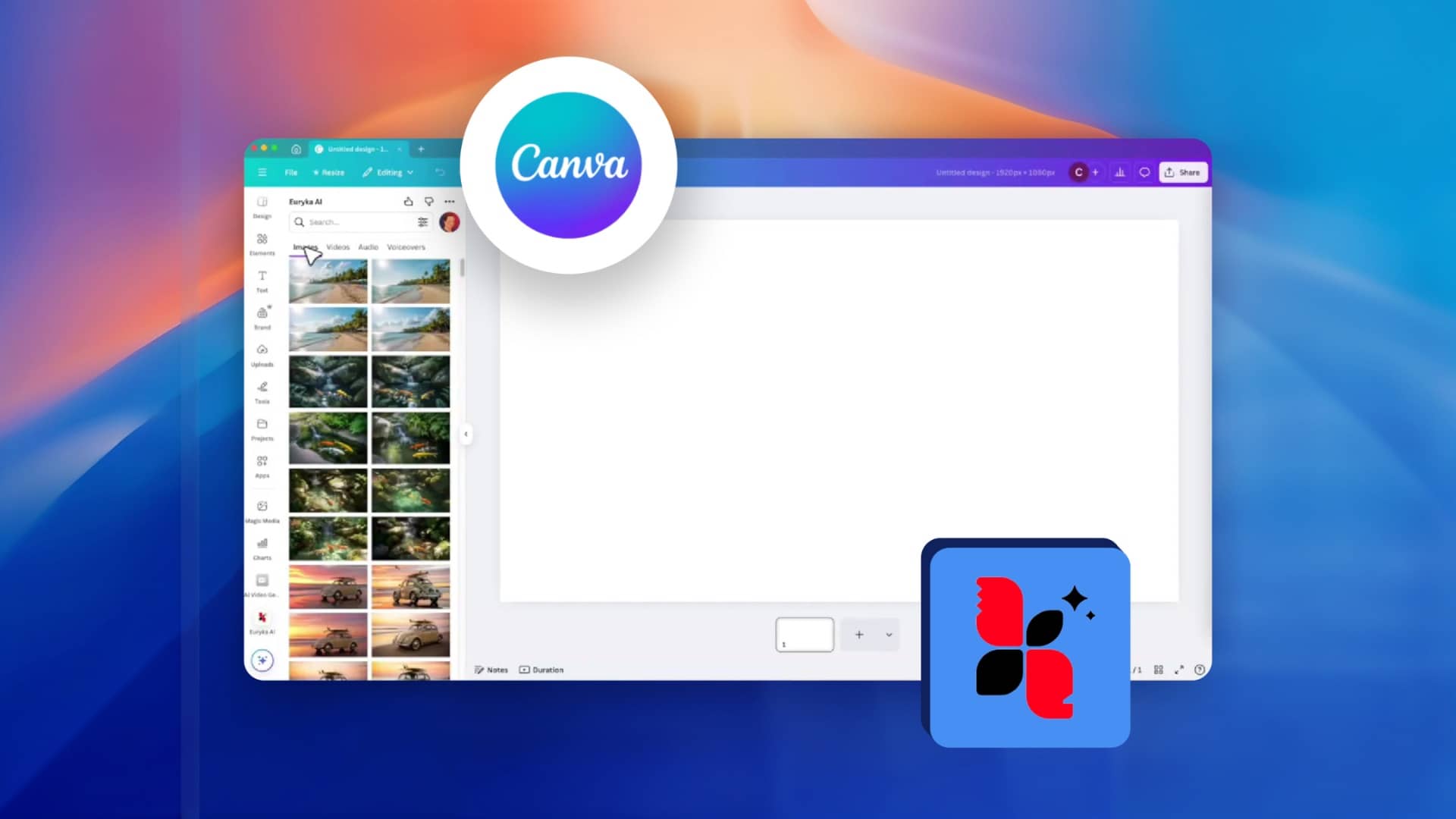
Use Euryka AI in Canva
Generate AI content in Euryka and design seamlessly in Canva using our new Canva integration. This powerful connection streamlines your workflow by making all your Euryka assets—images, audio, and video—available directly within the Canva design environment. Stop switching tabs and start creating unified, on-brand assets with this seamless Canva integration. Step-by-Step Guide Experience the future ...
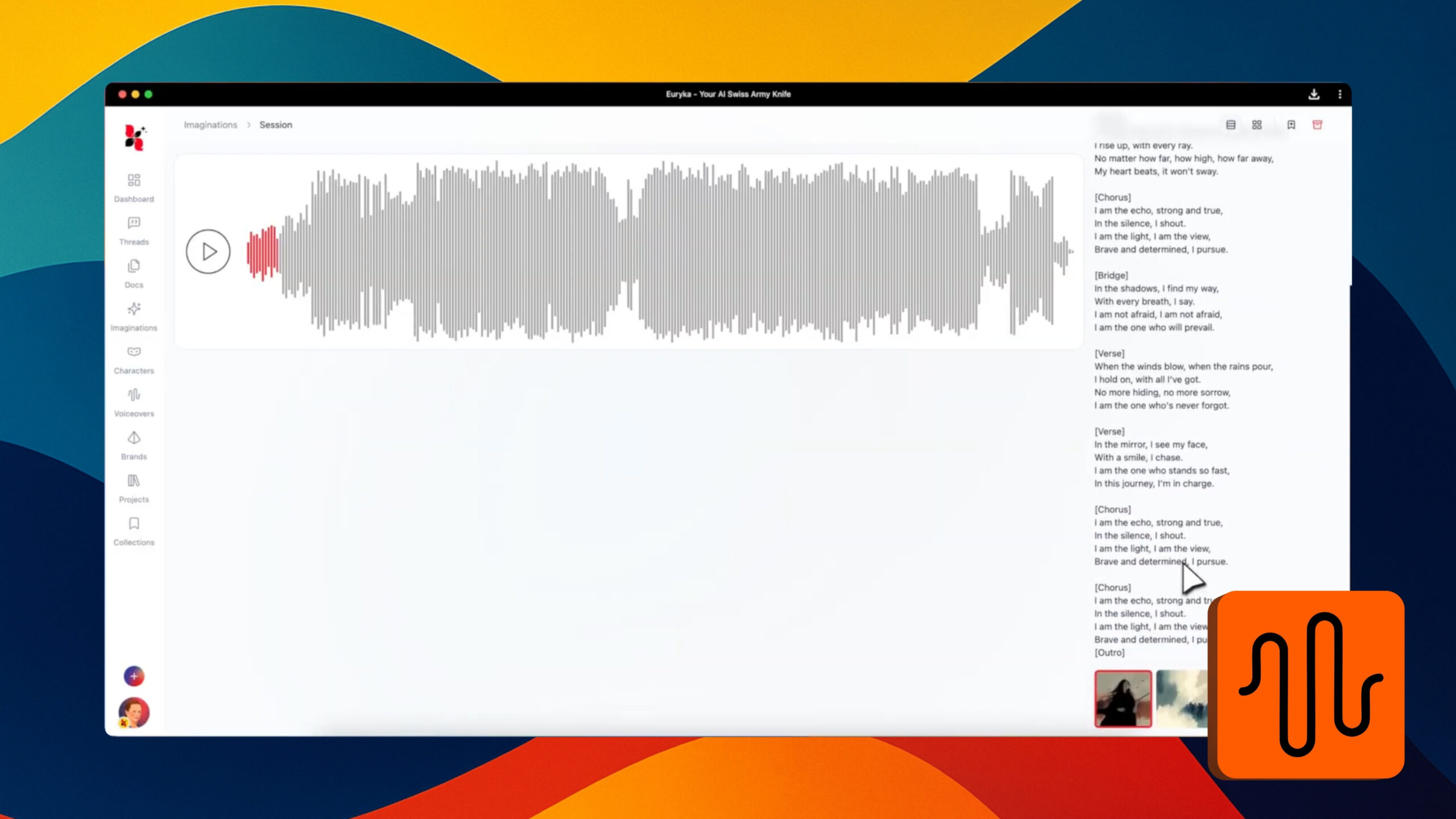
Generate AI Music with Vocals
Ever had a lyrical idea or a melody in your head but no way to turn it into a complete song? Now you can bring your musical concepts to life, complete with AI-powered vocals. This guide shows you how to move beyond simple instrumental tracks and start producing fully-fledged songs, directing everything from the musical ...
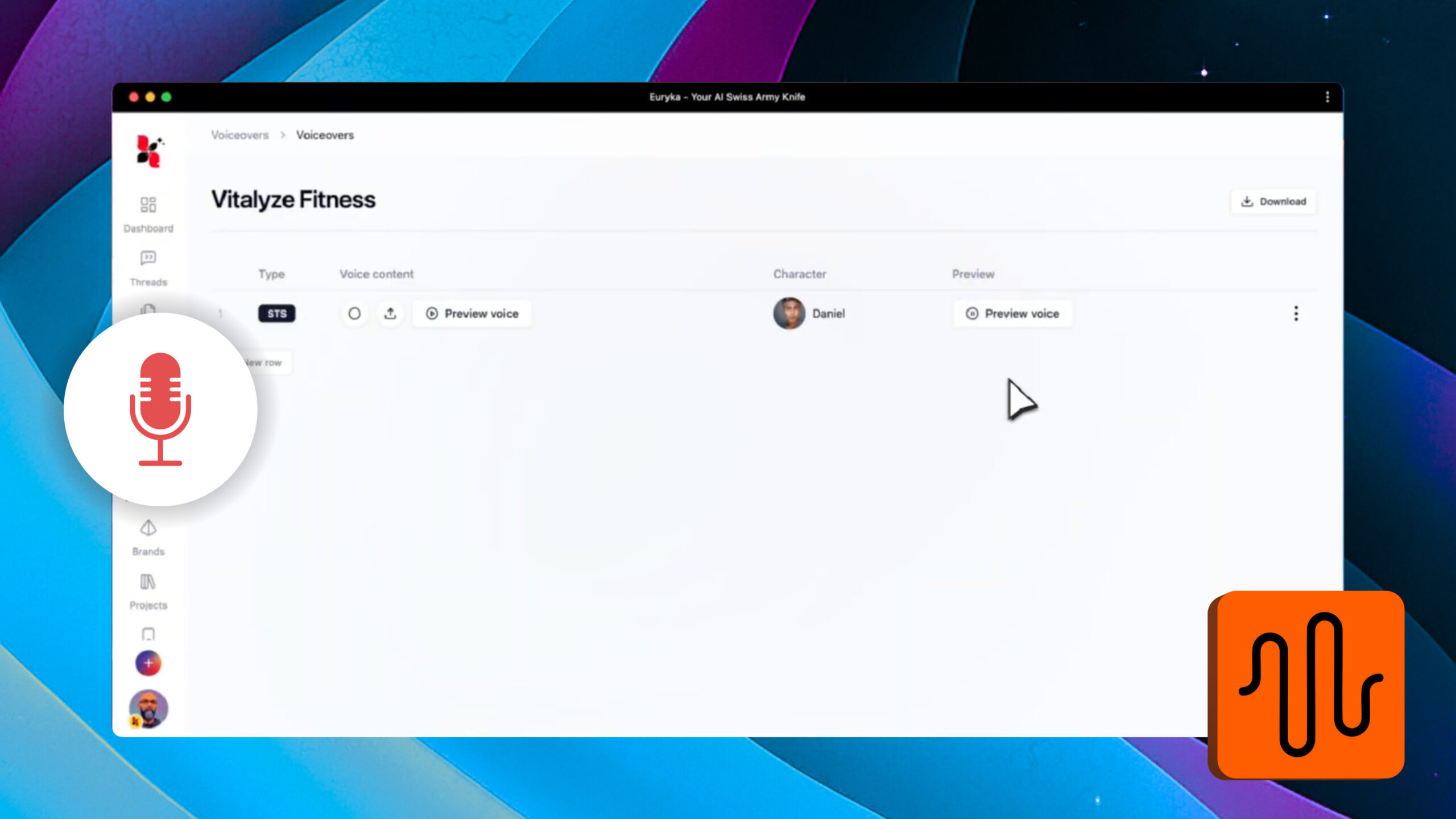
Create Speech-to-Speech Voice Overs
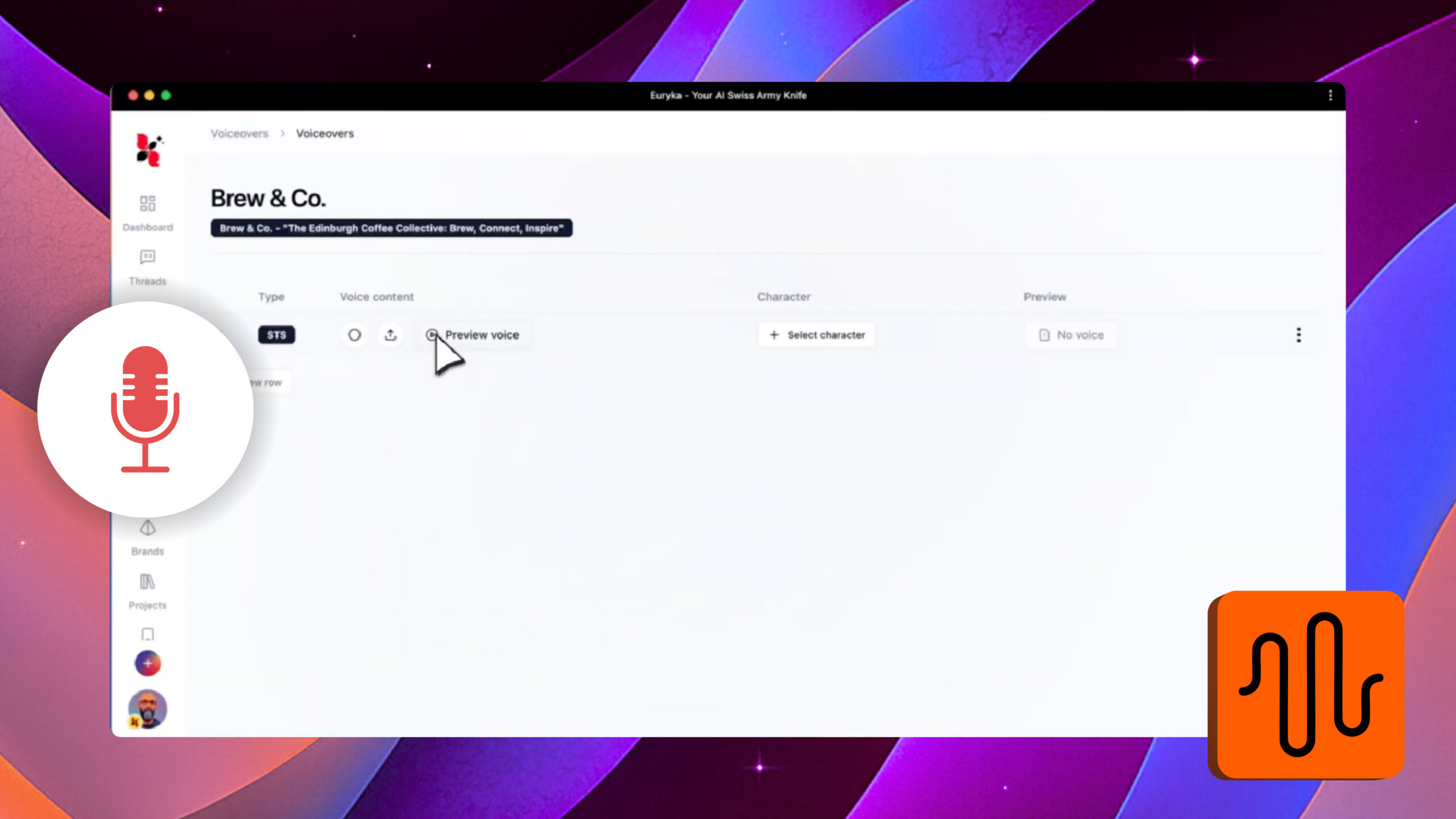
Transform your spoken content into polished, professional voiceovers. Euryka's Speech-to-Speech tool makes it simple to repurpose interviews, podcasts, or any recorded audio, giving your projects a clean, high-quality sound. Step-by-Step Guide With Speech-to-Speech, converting raw audio into versatile, professional voiceovers is quick and easy. Start transforming your spoken content today.
Cloning a Voice Instantly
Replicate any voice for consistent branding or creative projects using Euryka's Voice Cloning tool. This feature is perfect for personalising content or maintaining a uniform voice across multiple projects, making your audio instantly recognisable. Step-by-Step Guide With Euryka's voice cloning, replicating voices is quick, easy, and incredibly versatile, giving you complete control over your brand's ...
Attach Images in Threads
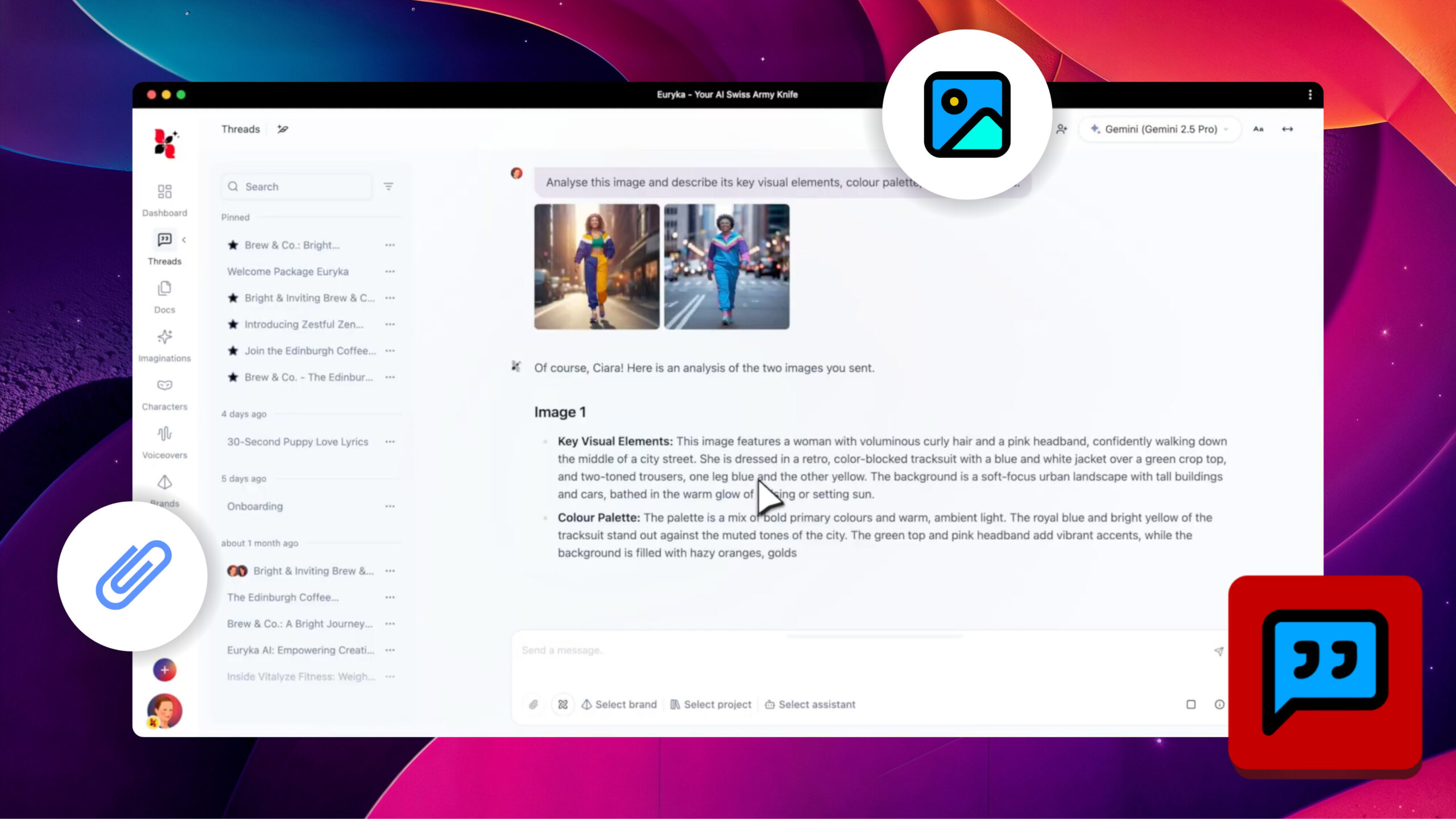
Attaching an image in Threads transforms a static picture into an interactive element. This allows you to prompt Euryka to perform advanced analytical and creative tasks directly within your conversation, unlocking new productive possibilities. Step-by-Step Guide By attaching an image in Threads, you're not just sharing a picture; you're opening up a world of creative ...