One Truth, Every Channel
Define your brand's rules just once to ensure consistency across all outputs and enable seamless collaboration across your global teams.
Your Brand's Command Centre
Centralise your brand's rules, voice, and key assets in one definitive hub. This ensures both your team and the AI work from the same framework, producing consistently on-brand content.
Centralised Brand Hub
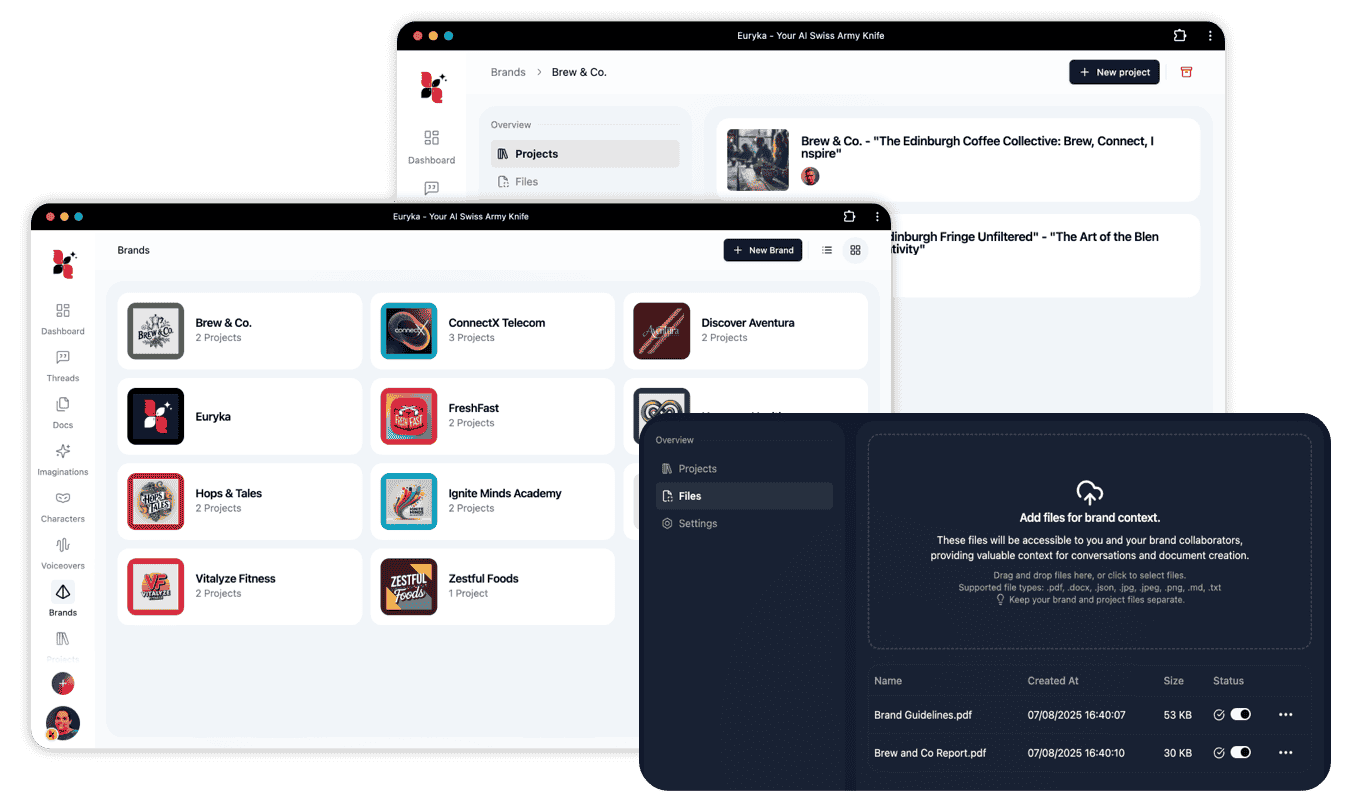
Organise all your brand and sub-brand guidelines in a single, shared space.
Consistent Brand Voice
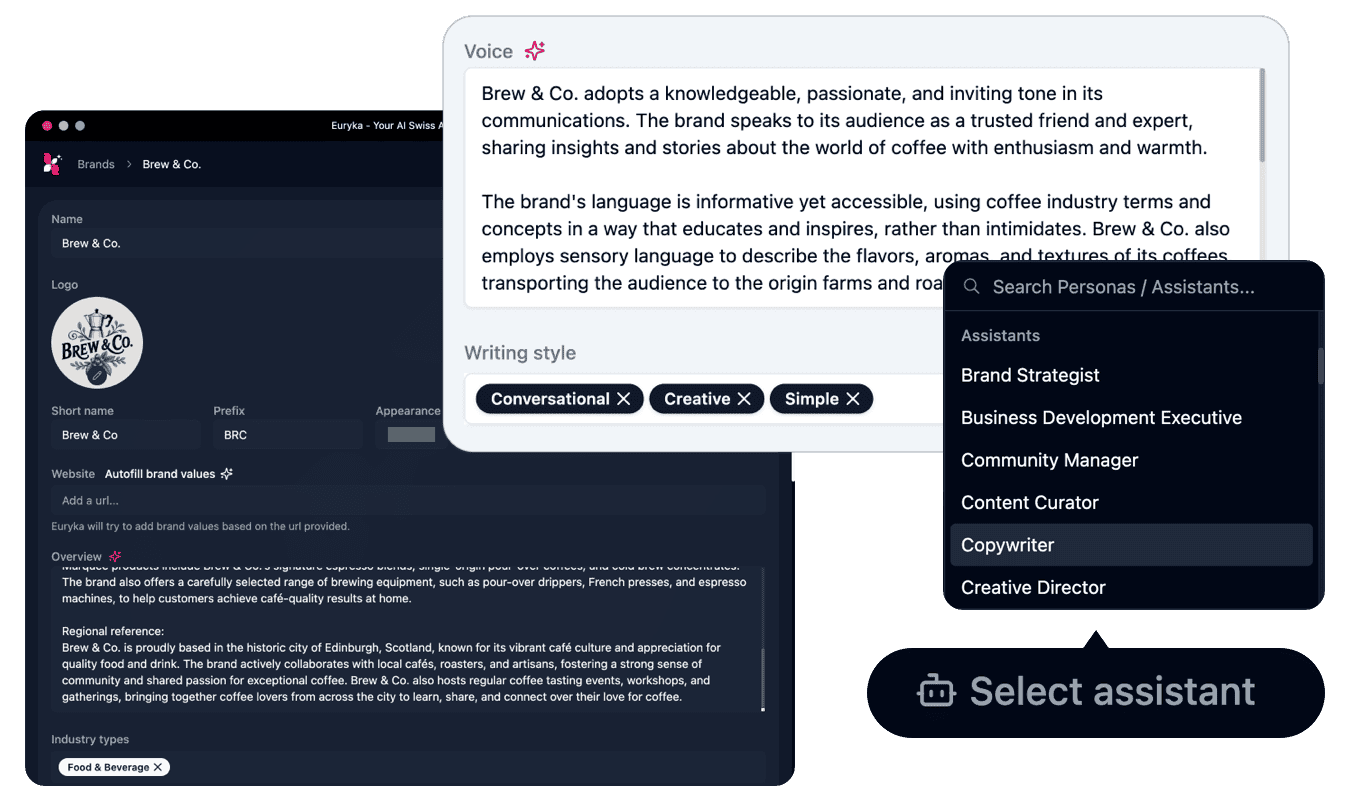
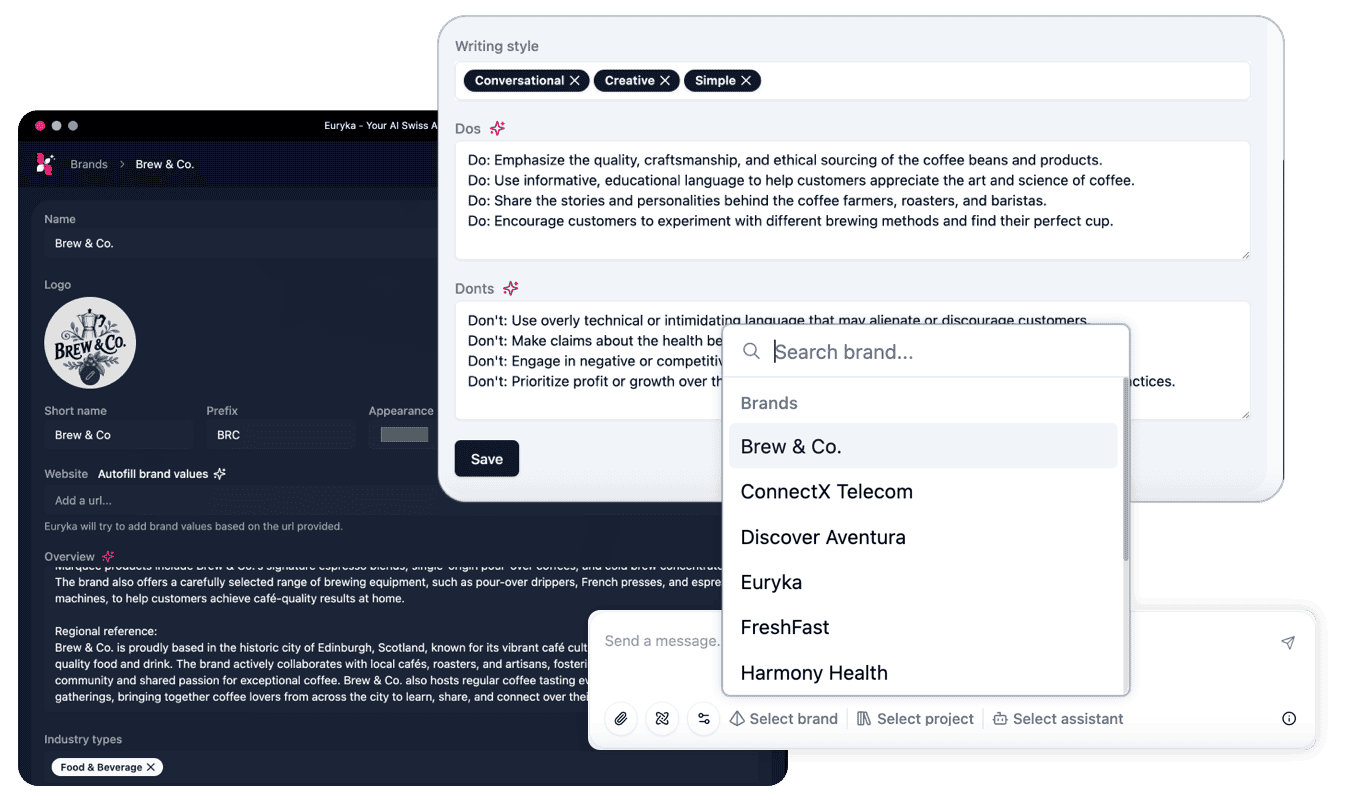
Maintain brand voice across all channels by storing tone examples and guidelines that automatically guide every Al model-from ChatGPT to Midjourney to Claude.
Al Guardrails
Set clear boundaries-prohibited terms, factual requirements, compliance rules-that prevent Al drift before it happens. Every output is checked automatically.
Brand & Project Files
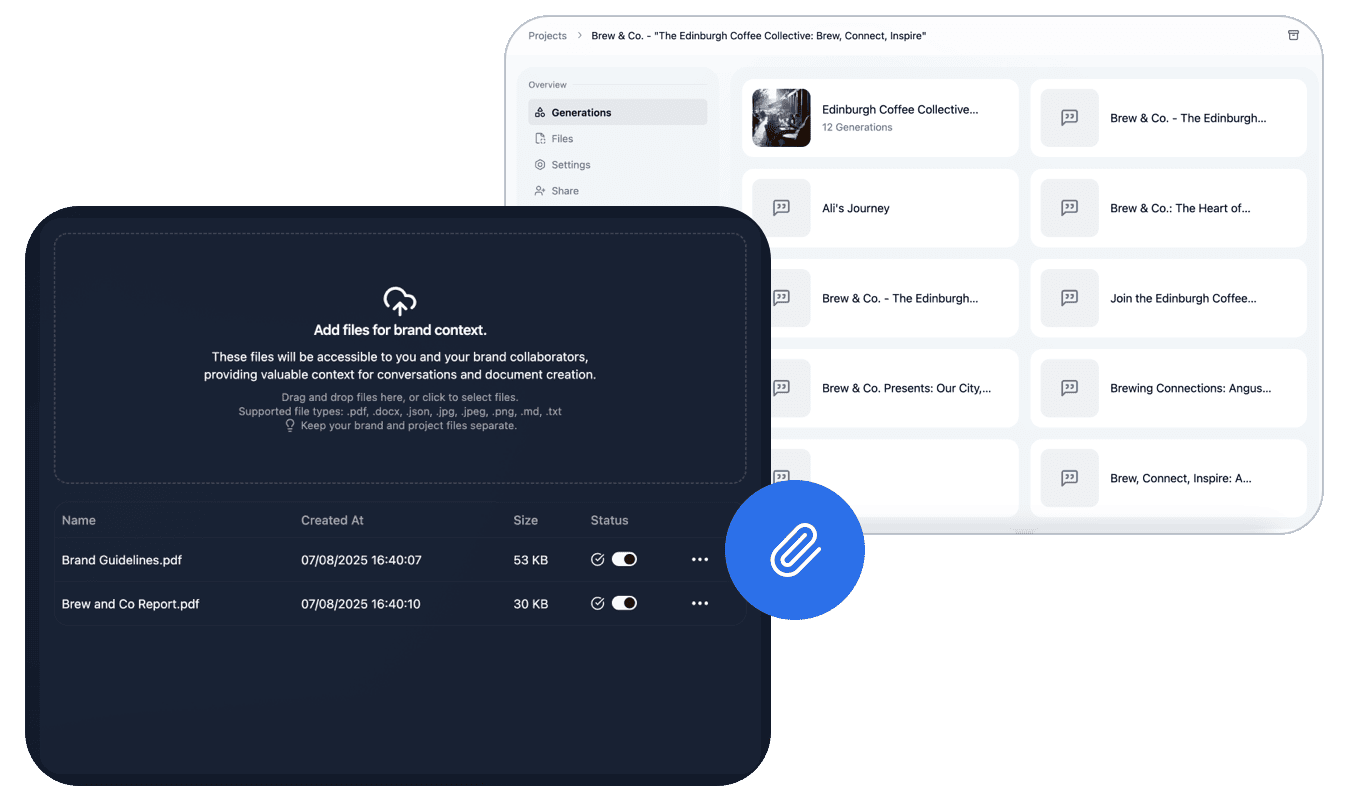
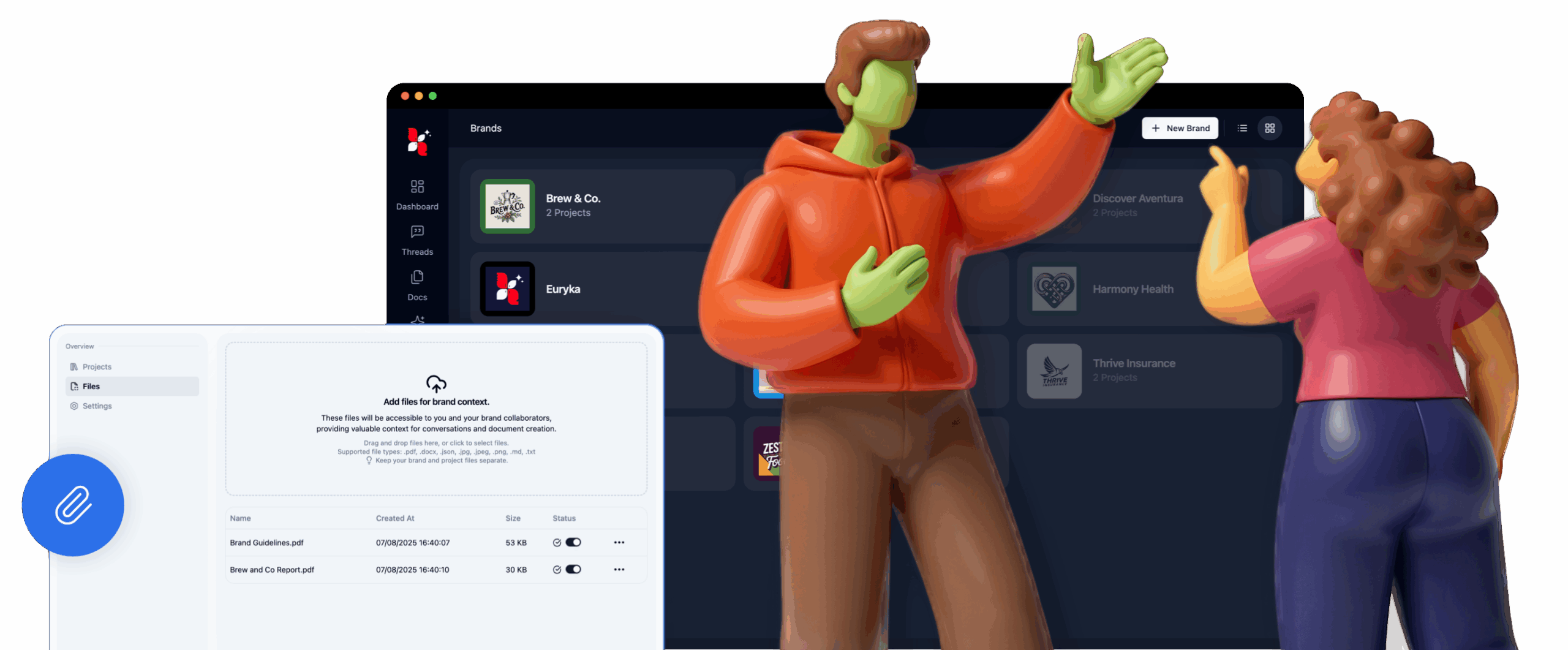
Upload brand guidelines, campaign briefs and creative assets (PDFs, images, documents). Connect Google Drive for real-time synchronisation, so your team and Al always work from the latest information.
Centralise Your Brand
Align your team by defining all your brand guidelines, project files, and tone of voice in one shared hub. This ensures both your team and the AI always work from the most current information, keeping your team aligned and your brand content consistent.
Integrations
Bring Euryka into your daily stack—draft, paraphrase, and design from one brief, staying focused and on-brand.
Euryka Is Now Canva Enabled
Create on-brand designs without leaving Canva; bring Brand Hub rules into every file and generate visuals through our multi model AI image generator.
Add Euryka AI to Chrome
Draft and refine on any tab—the extension gives you an ai writing tool and a paraphrasing tool wherever you work.
External Integrations
Connect Drive, Calendar, Notion, Asana, Zapier, and Make. Chat with your data and sync projects seamlessly across every workspace.
Euryka Academy
Master the platform. Our video library of short tutorials and guides is packed with step-by-step instructions, practical tips and best practices, designed to help you work smarter and get the best possible results from every feature.
Keep AI On-Brand with Files
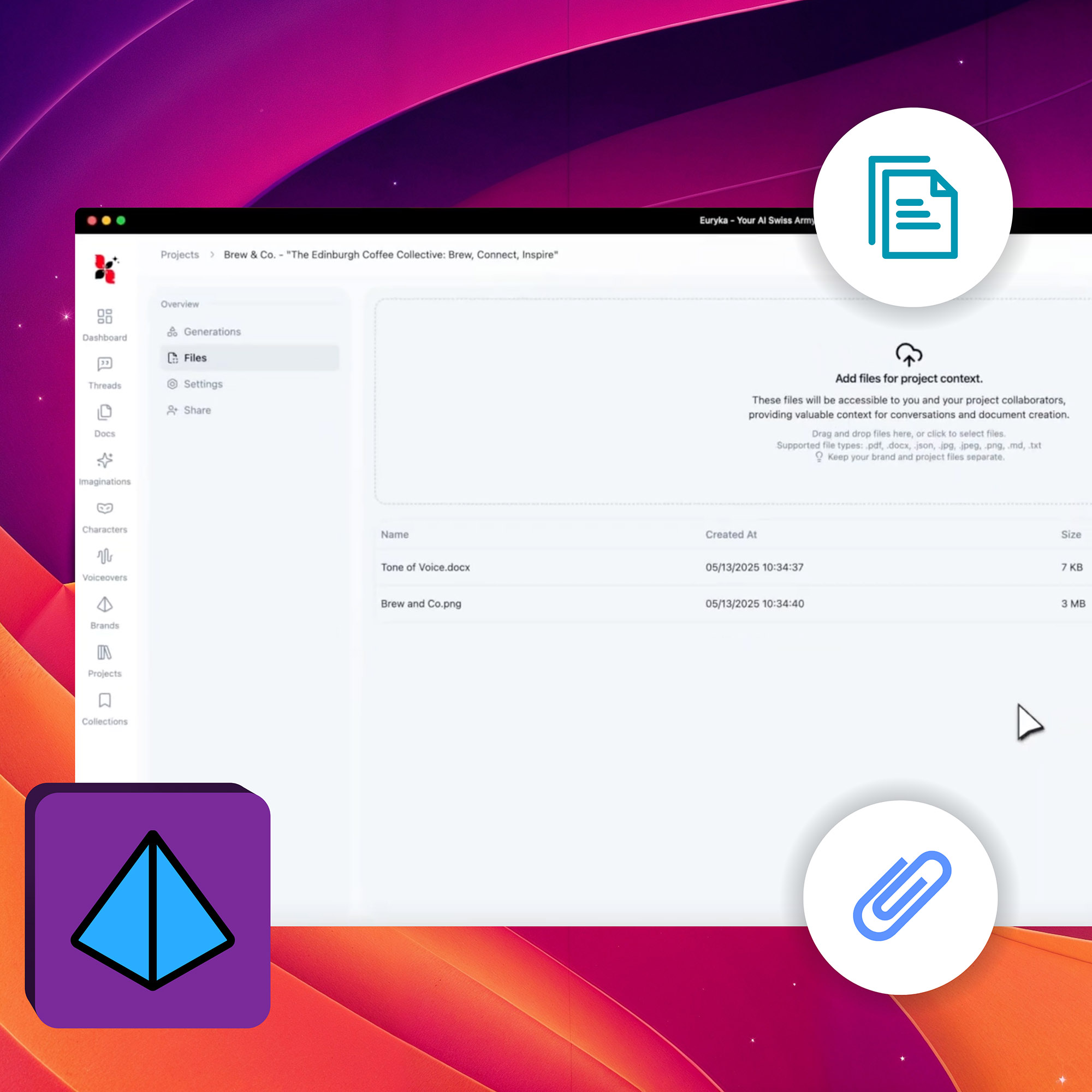
Discover how to elevate your AI's performance in Euryka with our new Brand & Project Files feature! This video will guide you through attaching files directly to your Brands and Projects, transforming how your AI understands and generates content. Elevate your AI's intelligence by training it with your specific brand and project files. This process ...
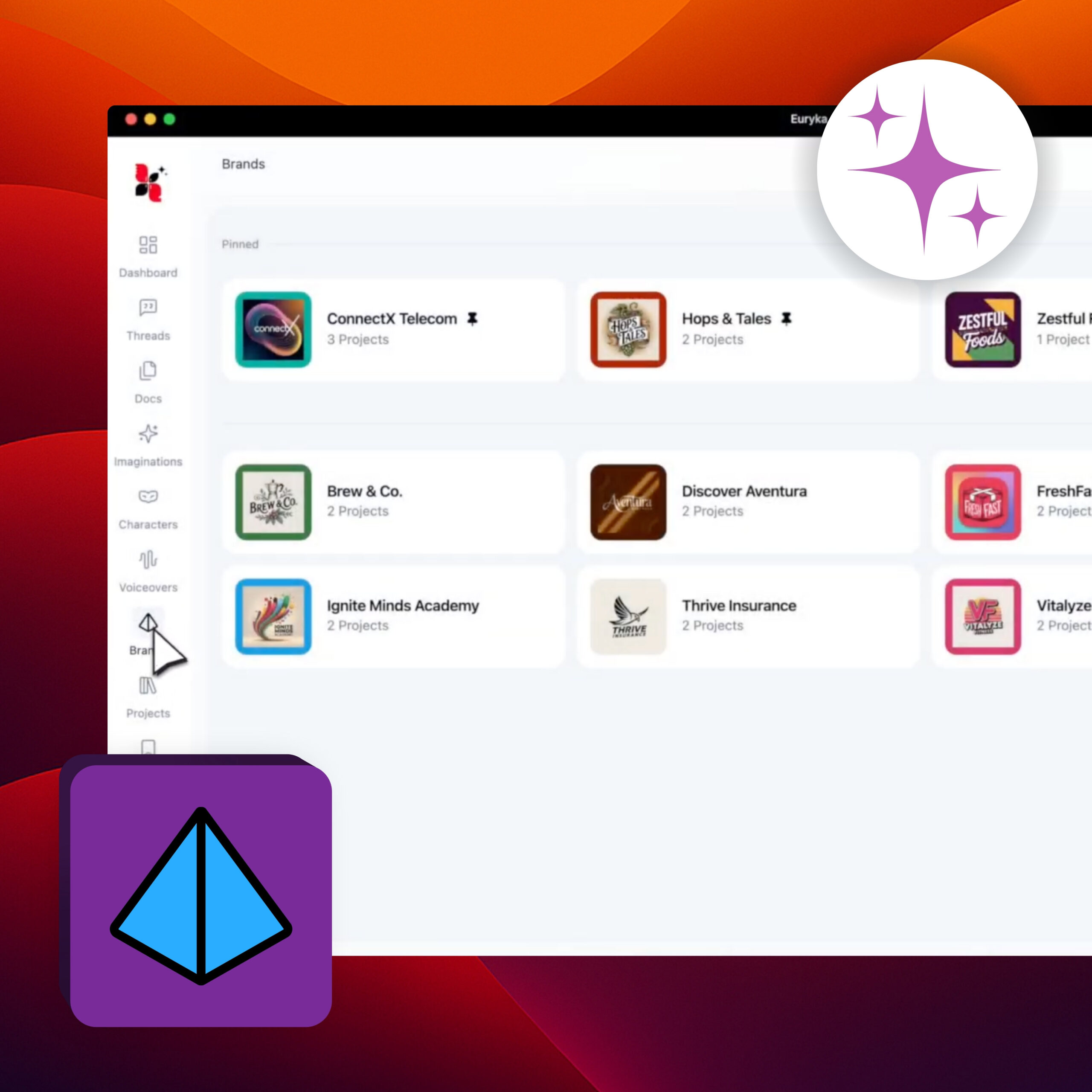
Automate Brand Setup
Establish your brand's foundation within Euryka in moments using the intelligent Autofill feature. This tool scans your website and automatically extracts core brand elements, instantly populating your Brand Hub without manual data entry. Step-by-Step Guide Your Brand Hub is now instantly populated and ready to use. You can easily adjust the information by using Autofill ...
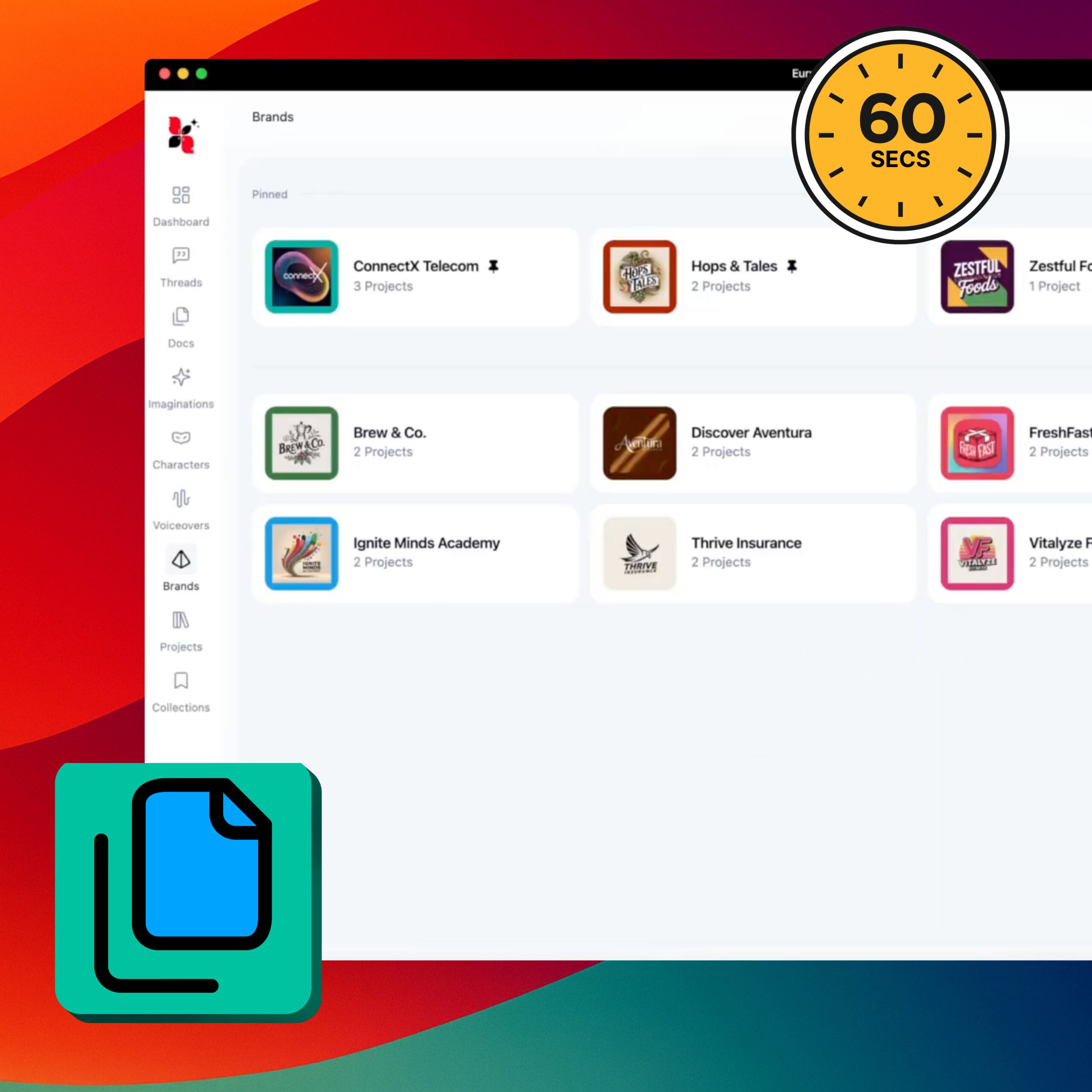
The Euryka Brand Hub in 60 Seconds
You can establish your brand's single source of truth in less time than it takes to grab a coffee. Euryka's Brand Hub uses intelligent AI to build your brand's foundation quickly, so your entire team can start creating consistent, on-brand content from day one. This guide shows you how to get it done in just ...
Introducing the Euryka Brand Hub
Tired of brand guidelines getting lost in folders and project briefs becoming outdated? The Brand and Project Hub acts as your centralised command center, creating a single source of truth that keeps your entire team and the AI perfectly aligned. Setting it up is effortless. You can kickstart the process by having the AI intelligently ...
Elevate Your Brand with Euryka
Experience the power of a unified brand management platform. Streamline your creative workflow, ensure consistency across all touchpoints, and unlock your brand's full potential with Euryka's Brand Hub.