Watch, Learn, Create
Welcome to Euryka Academy. Our comprehensive video library features essential walkthroughs and step-by-step tutorials. Master every Euryka feature, technique, and workflow through expert-led learning paths and maximise your potential. Happy learning!

Getting Started
View all →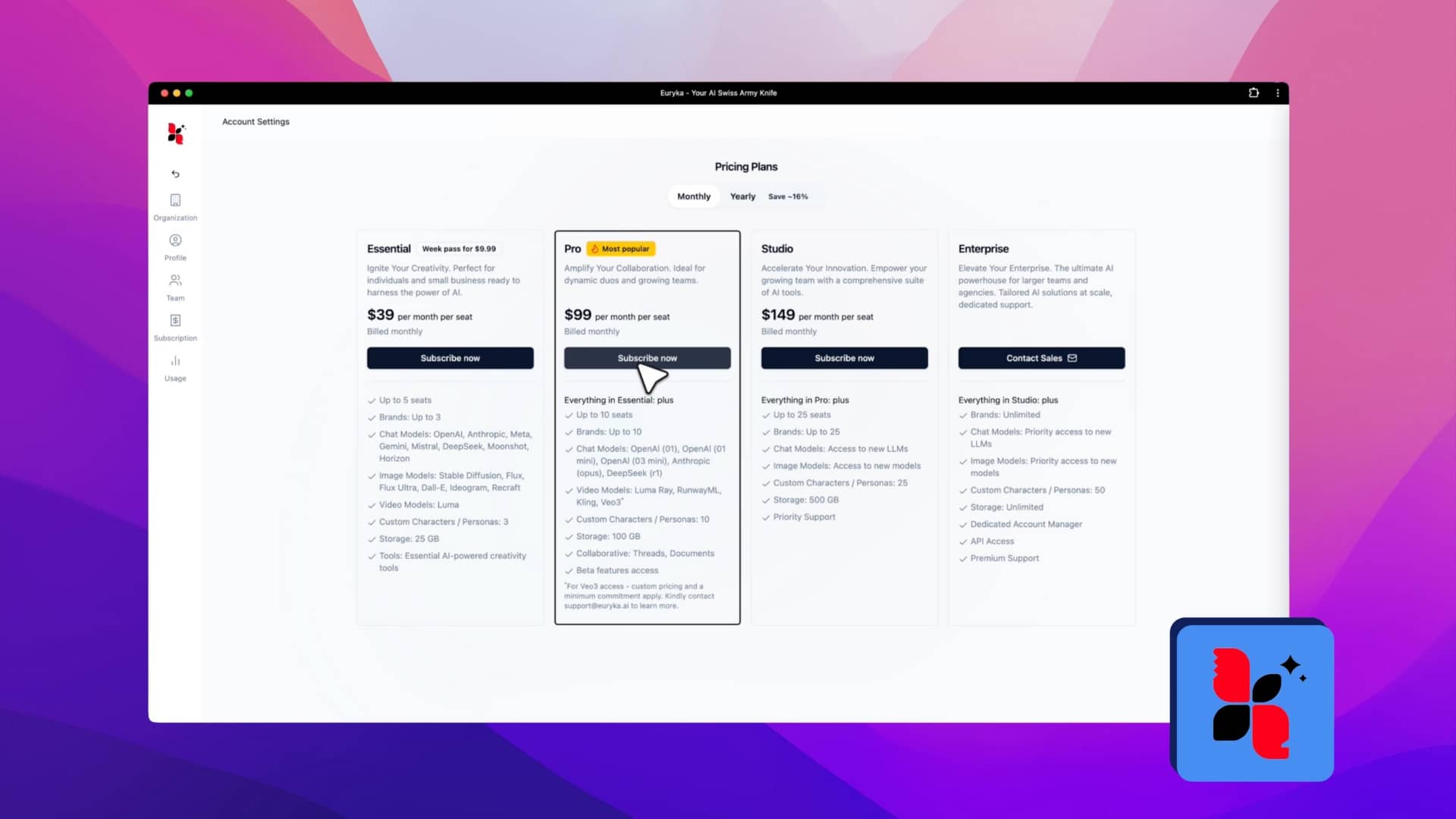
How to Subscribe to Euryka
Ready to unlock everything Euryka has to offer? Getting set up with a subscription is quick, secure, and straightforward. This guide will walk you through the few simple steps needed to get you on your way, so you can get back to creating, collaborating, and bringing your best ideas to life. Step-by-Step Guide And that's ...
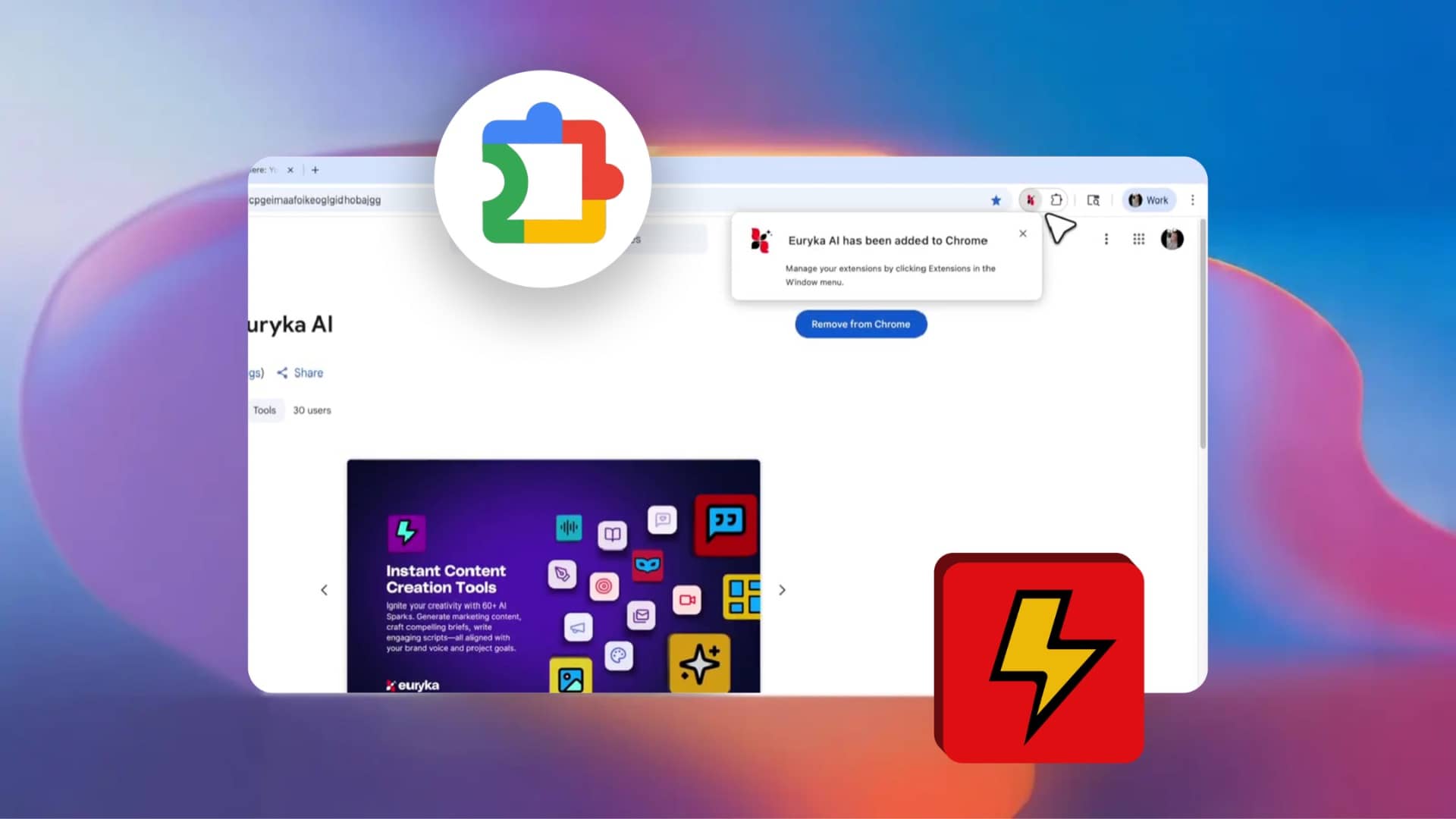
Introducing Euryka's Chrome Extension
With the Euryka Chrome extension, your AI tools are always just a click away on any webpage. It uses the context of the page to help you generate relevant content and ideas right where you are, without breaking your flow. Step-by-Step Guide Download the Euryka Chrome Extension and start creating anywhere on the web.
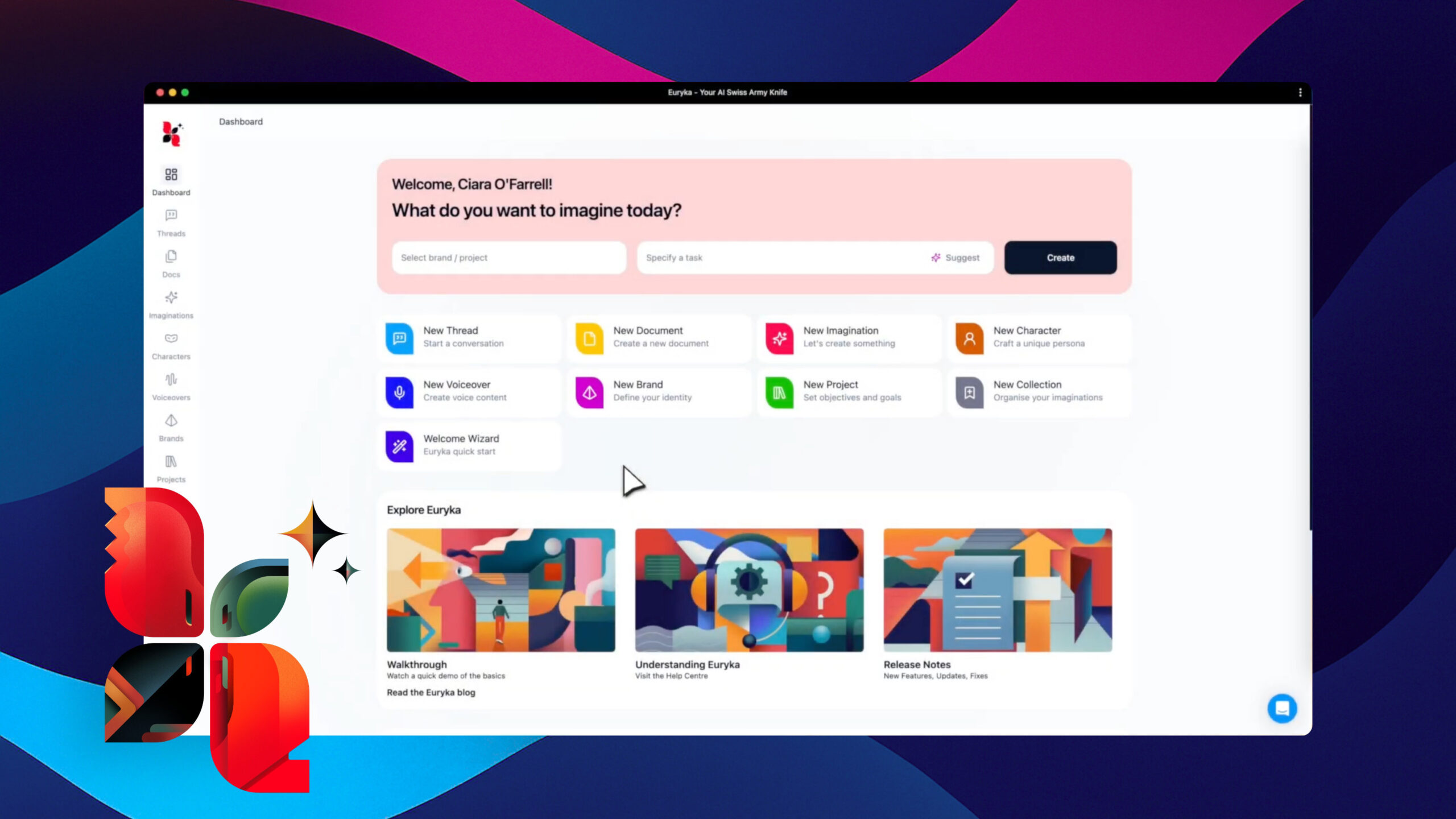
A Quick Tour of Euryka
Welcome to a quick tour of Euryka, your complete AI creative toolkit where every feature works in harmony to bring your ideas to life. It all starts with your brand's foundation in the Brand and Project Hub, where you can automatically import guidelines from a website to ensure consistency from the very beginning. From there, ...
Feature Walkthroughs
View all →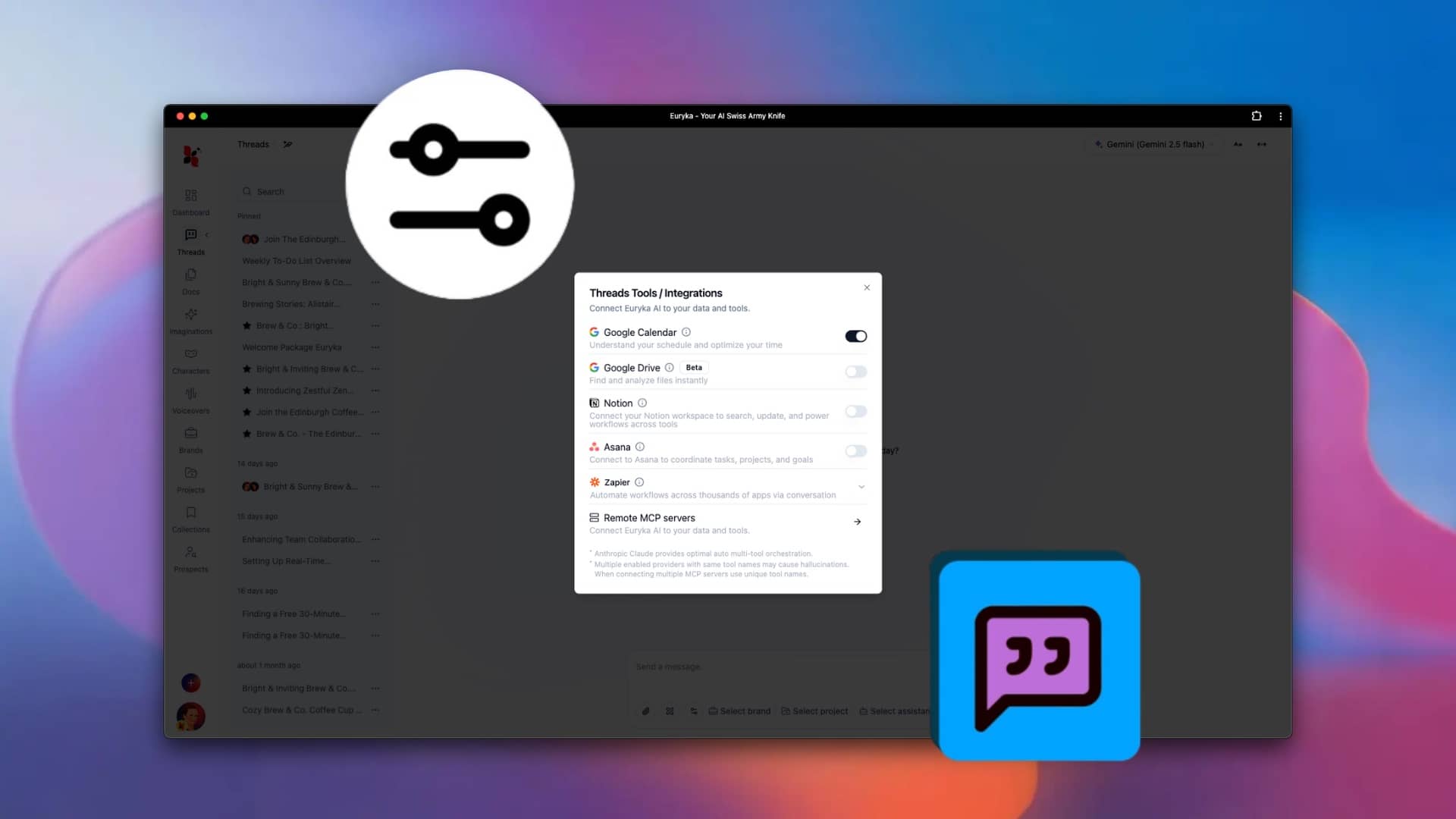
Integrate Your Apps in Threads
Unify your digital workspace by connecting your favourite productivity tools directly within Euryka Threads. This feature allows you to manage tasks, notes, and automations from apps like Google Drive, Notion, Asana, and more without ever leaving your conversation, creating a truly seamless workflow. Step-by-Step Guide Bring all your notes, tasks, and automations into one unified ...
Uncover Insights with Euryka Deep Research
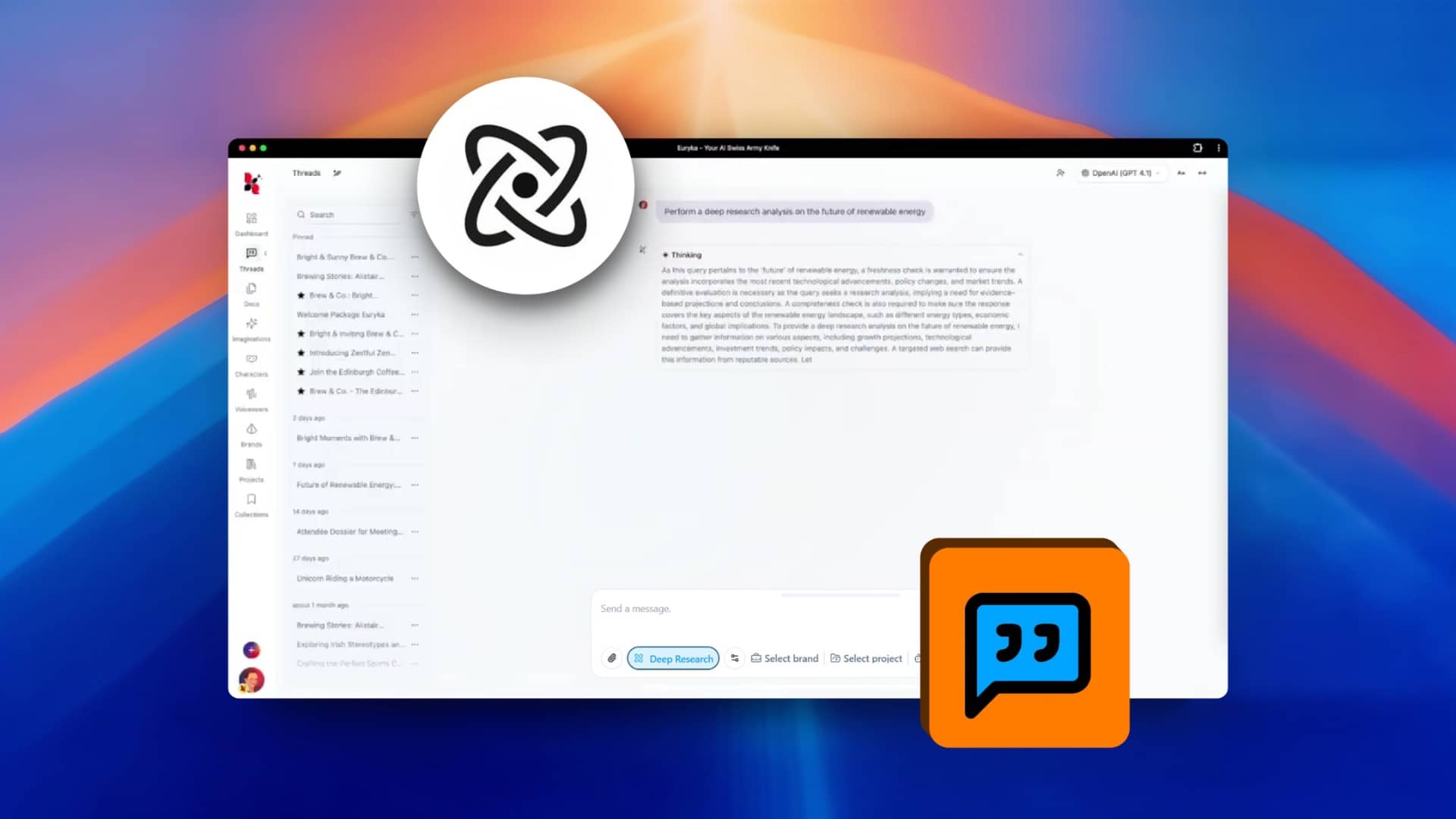
Go beyond standard searches and get comprehensive, cited reports on any topic directly within your workflow. Euryka's Deep Research feature is your dedicated AI Research Assistant, compiling detailed information from numerous sources to provide you with expert-level insights in moments. Step-by-Step Guide Let your AI Research Assistant transform simple questions into detailed, actionable intelligence. Start ...
Create Videos Using Kling
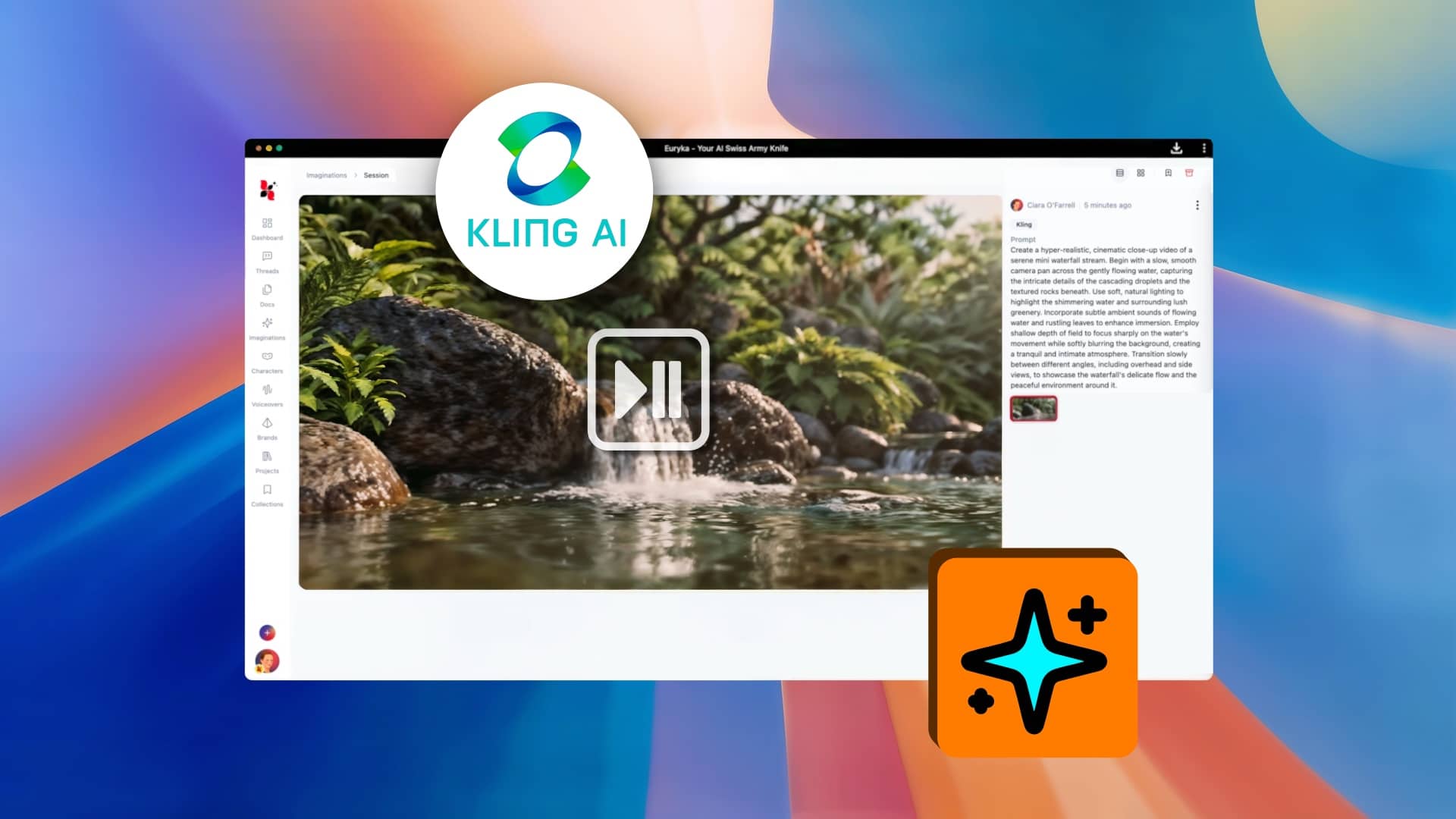
Create stunning AI videos with Kling. A powerful addition to Euryka's AI video models, Kling makes it easy to create high-quality, dynamic videos from a simple text description. It also includes the ability to instantly convert landscape videos into a portrait format, perfect for mobile-first content strategies. Step-by-Step Guide Whether you're creating marketing content, social ...
Advanced Techniques
View all →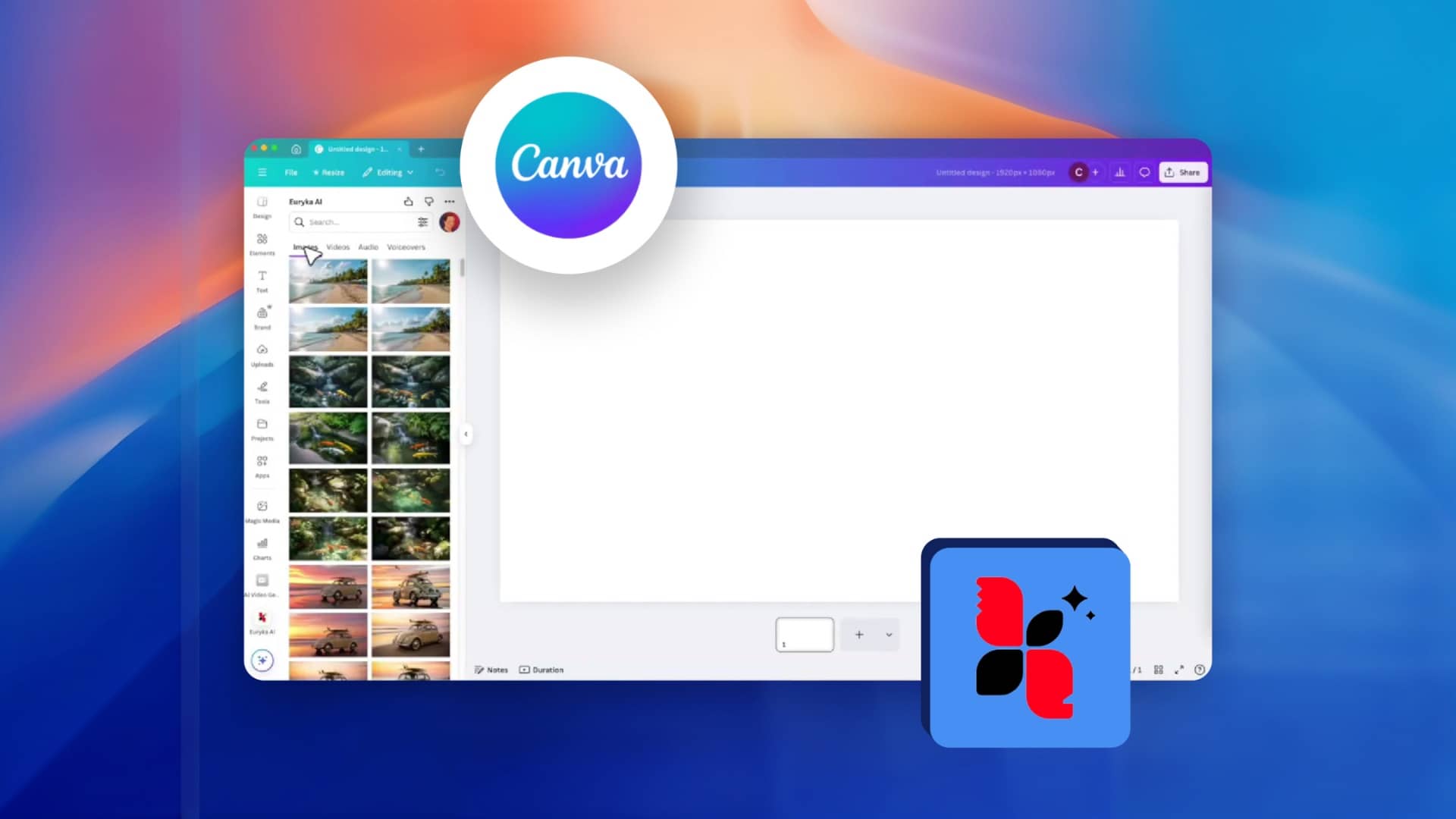
Use Euryka AI in Canva
Generate AI content in Euryka and design seamlessly in Canva using our new Canva integration. This powerful connection streamlines your workflow by making all your Euryka assets—images, audio, and video—available directly within the Canva design environment. Stop switching tabs and start creating unified, on-brand assets with this seamless Canva integration. Step-by-Step Guide Experience the future ...
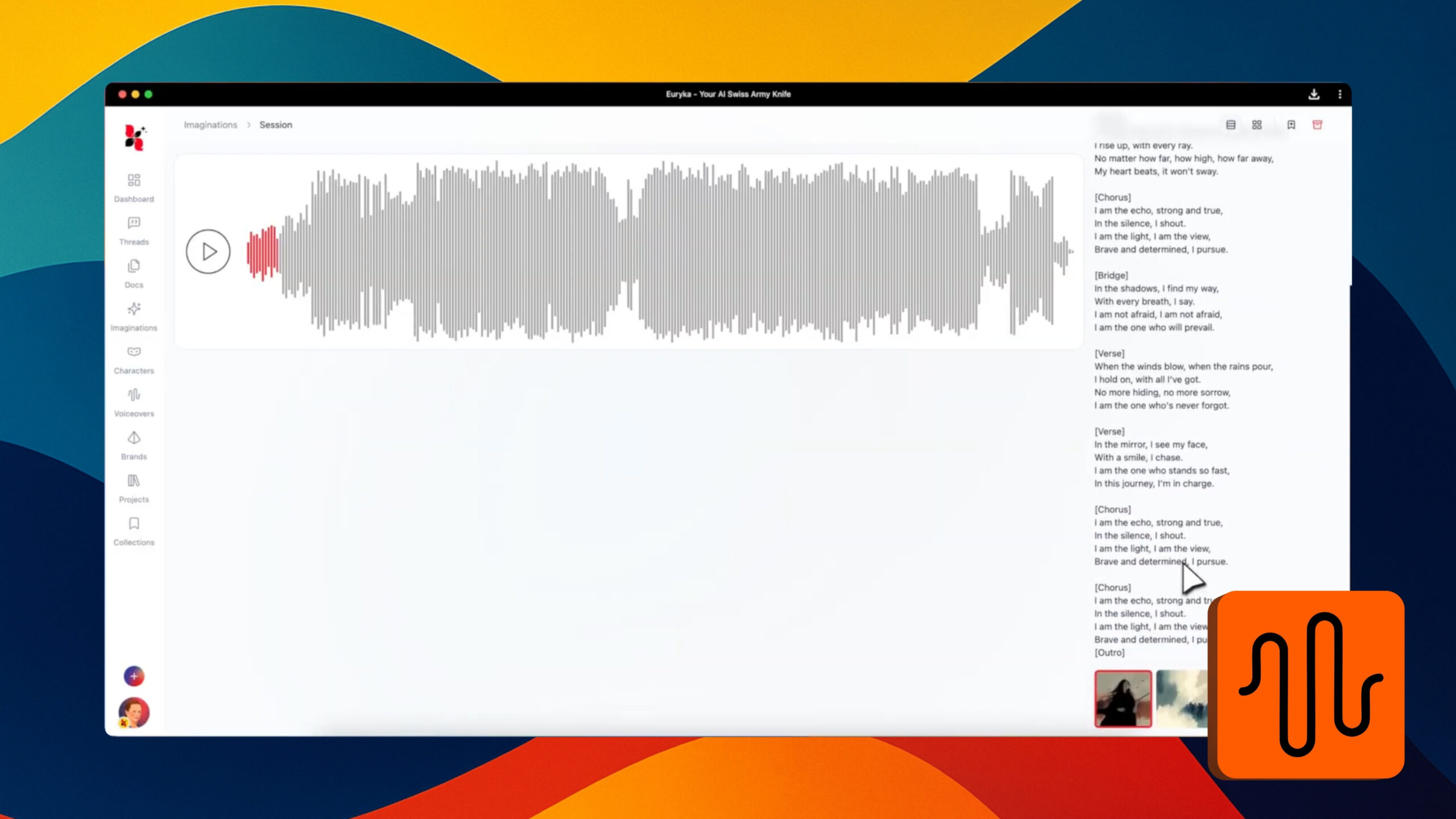
Generate AI Music with Vocals
Ever had a lyrical idea or a melody in your head but no way to turn it into a complete song? Now you can bring your musical concepts to life, complete with AI-powered vocals. This guide shows you how to move beyond simple instrumental tracks and start producing fully-fledged songs, directing everything from the musical ...
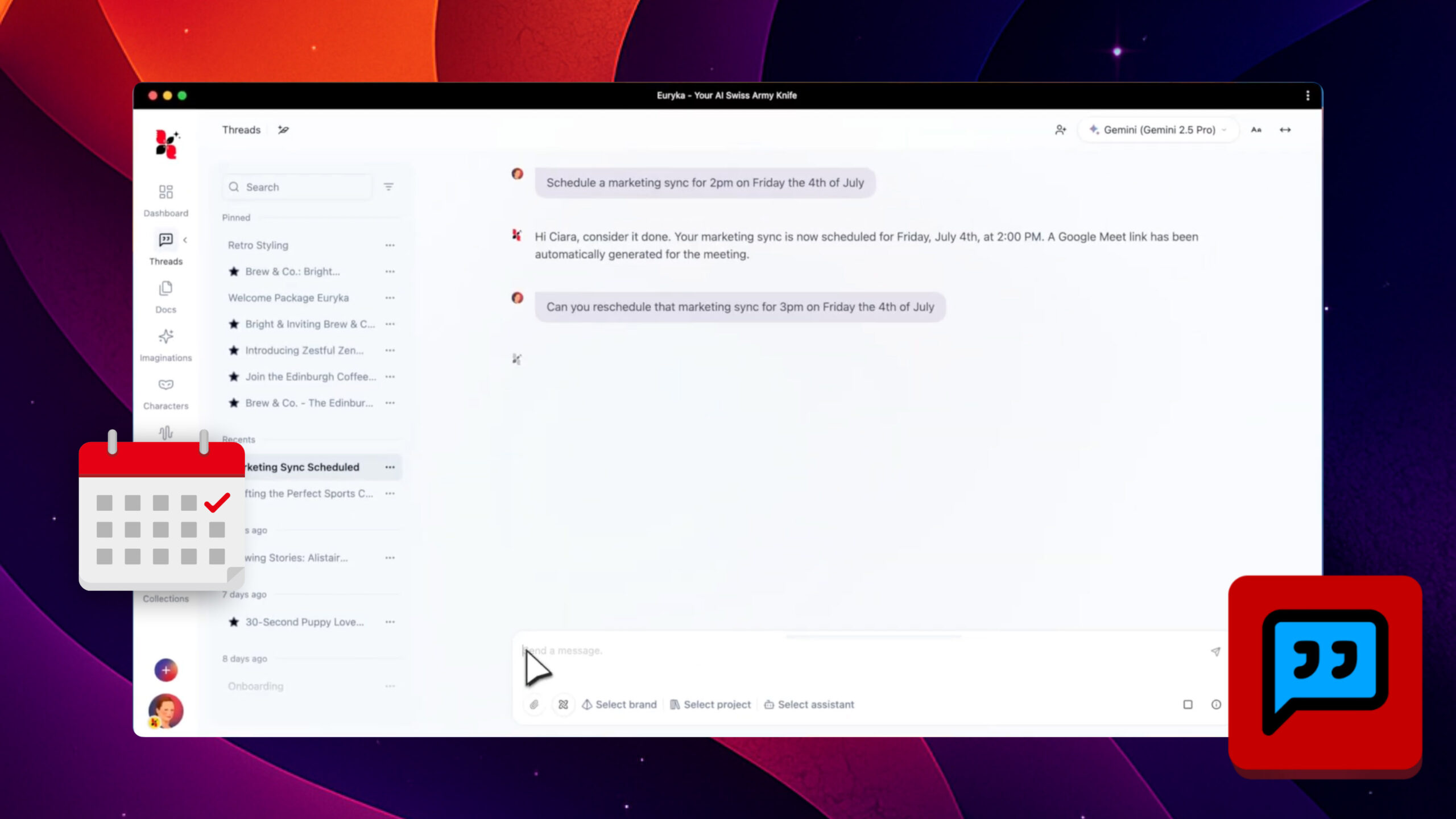
Manage Calendar in Threads
Streamline your scheduling by managing your calendar directly within Threads. Use simple, natural language to create and modify events without ever leaving your conversation, keeping you organised and focused on the task at hand. Step-by-Step Guide Stay organised and efficient by managing your entire schedule within the flow of your work. There's no need to ...