Attach Images in Threads
Attaching an image in Threads transforms a static picture into an interactive element. This allows you to prompt Euryka to perform advanced analytical and creative tasks directly within your conversation, unlocking new productive possibilities. Step-by-Step Guide By attaching an image in Threads, you're not just sharing a picture; you're opening up a world of creative ...
Features Covered
Attaching an image in Threads transforms a static picture into an interactive element. This allows you to prompt Euryka to perform advanced analytical and creative tasks directly within your conversation, unlocking new productive possibilities.
Step-by-Step Guide
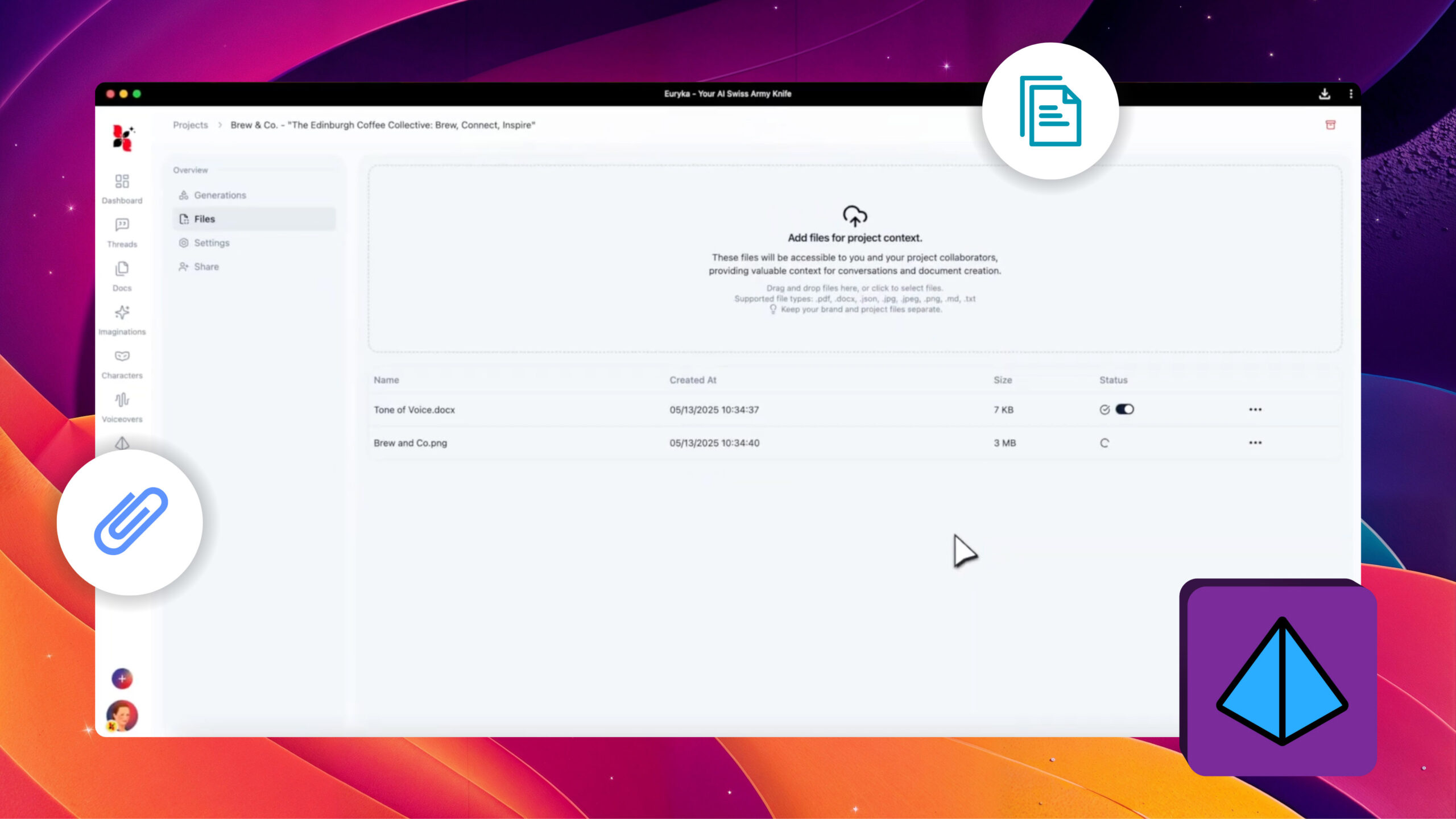
- Attach Your Image: Click the paperclip icon or simply drag and drop your image file into the message field.
- Analyse the Image: Ask Euryka to interpret the visual. For example: "Analyse this image and describe its key visual elements, colour palette, and overall mood."
- Extract Specific Data: Prompt Euryka to identify details like the artistic style or the decade associated with the image.
- Create a Blend: Use your image as a foundation for a new creation by asking Euryka to merge it with another idea.
By attaching an image in Threads, you're not just sharing a picture; you're opening up a world of creative and analytical potential. Start a new dialogue with your images today.