Use the Music Prompt Dice
Overcome creative blocks and find instant musical inspiration with Euryka's Music Prompt Dice. This feature generates unique prompts with a single click, helping you compose original soundtracks for your videos, presentations, or any other project in moments. Step-by-Step Guide Let the Music Prompt Dice be your creative partner. Discover new musical directions and create the ...
Features Covered
Overcome creative blocks and find instant musical inspiration with Euryka's Music Prompt Dice. This feature generates unique prompts with a single click, helping you compose original soundtracks for your videos, presentations, or any other project in moments.
Step-by-Step Guide
- Navigate to Audio Creation: From Imaginations, select Imagine, then choose Audio.
- Activate the Prompt Dice: Click the dice icon located next to the prompt field to generate an instant musical idea.
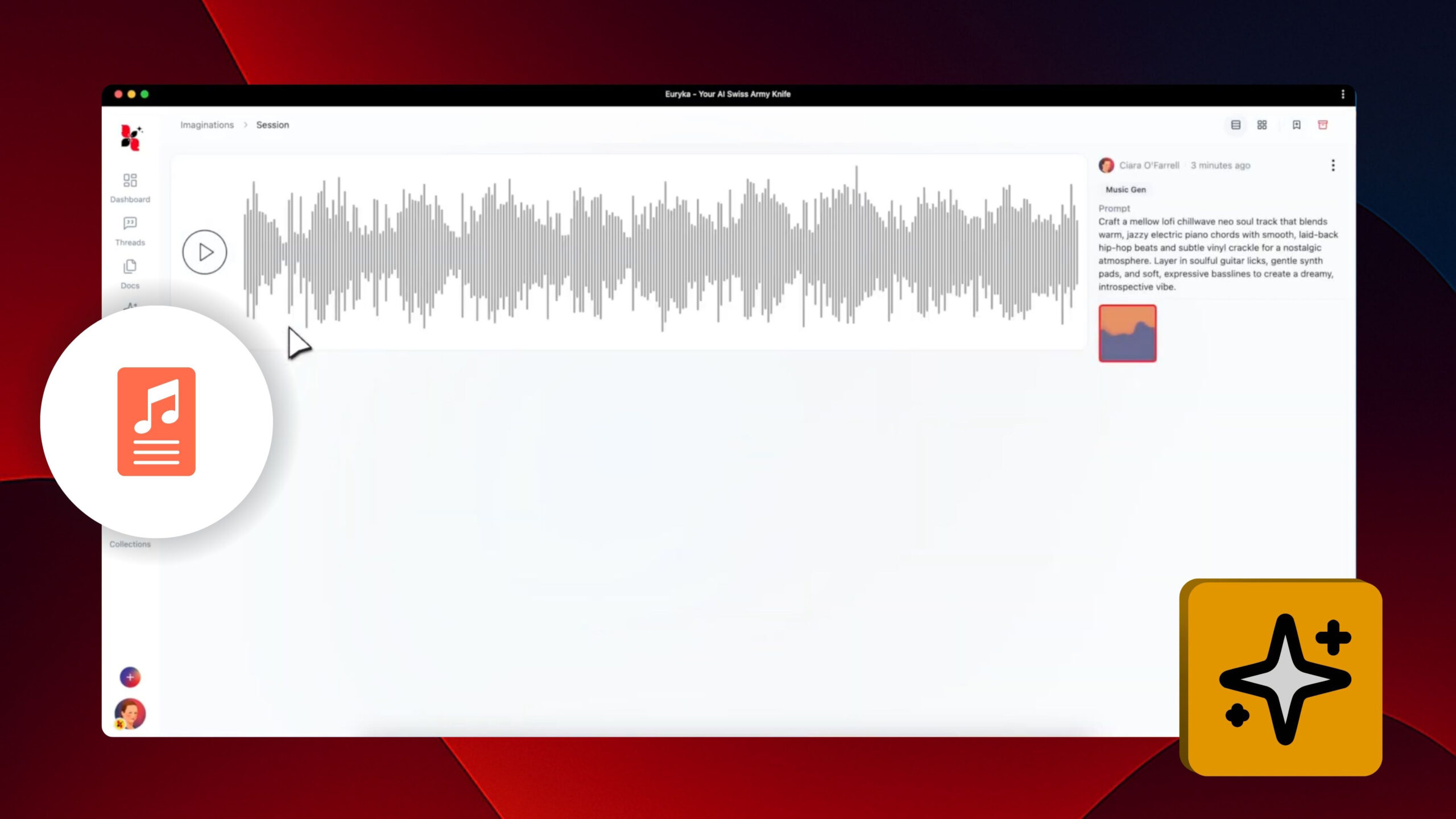
- Generate Your Track: Once you are happy with the suggested prompt, click Continue to have Imaginations compose the music.
- Preview and Download: Listen to the track directly in the interface. When you have the perfect piece, simply download the high-quality file.
Let the Music Prompt Dice be your creative partner. Discover new musical directions and create the perfect soundtrack with complete ease.