Get Automatic Image Prompts
Transform simple ideas into stunning, original visuals using text descriptions. Learn how to leverage Euryka's automatic prompt enhancement to create high-quality, custom images that perfectly match your creative vision for any project. Step-by-Step Guide Creating the perfect visual for any need is now effortless. Let automatic prompt enhancement help you bring your most creative ideas ...
Features Covered
Transform simple ideas into stunning, original visuals using text descriptions. Learn how to leverage Euryka's automatic prompt enhancement to create high-quality, custom images that perfectly match your creative vision for any project.
Step-by-Step Guide
- Access Image Creation: Select the plus icon and navigate to the Image option.
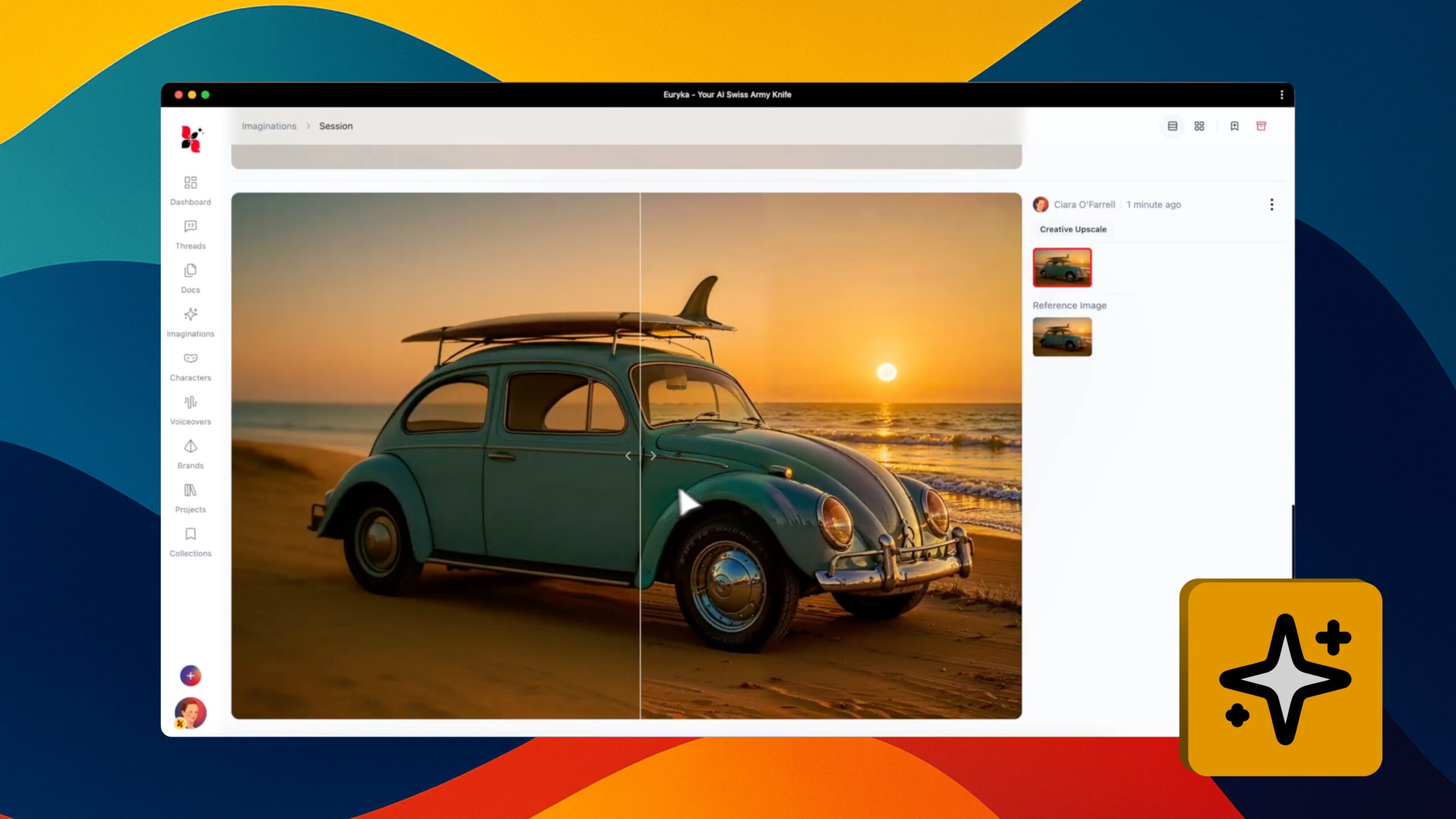
- Describe Your Vision: In the prompt field, describe the image you want to create. Be descriptive for better results (e.g., "a vintage red sports car driving on a coastal road at sunset").
- Enhance Your Prompt: Click the Suggest icon to automatically generate a more detailed and effective prompt.
- Generate Your Image: Imaginations will create a completely original, high-quality image in moments.
- Download Your Visual: Preview the result and download it for use in your projects.
Creating the perfect visual for any need is now effortless. Let automatic prompt enhancement help you bring your most creative ideas to life with professional results.