Create Image Variations
Need to generate multiple versions of an image for different purposes? Euryka's Vary tool makes it effortless. Explore diverse creative possibilities, test different designs, or create a range of content from a single starting image. Step-by-Step Guide Generating unique and versatile images is now quick and effortless. Use the Vary feature to expand your creative ...
Features Covered
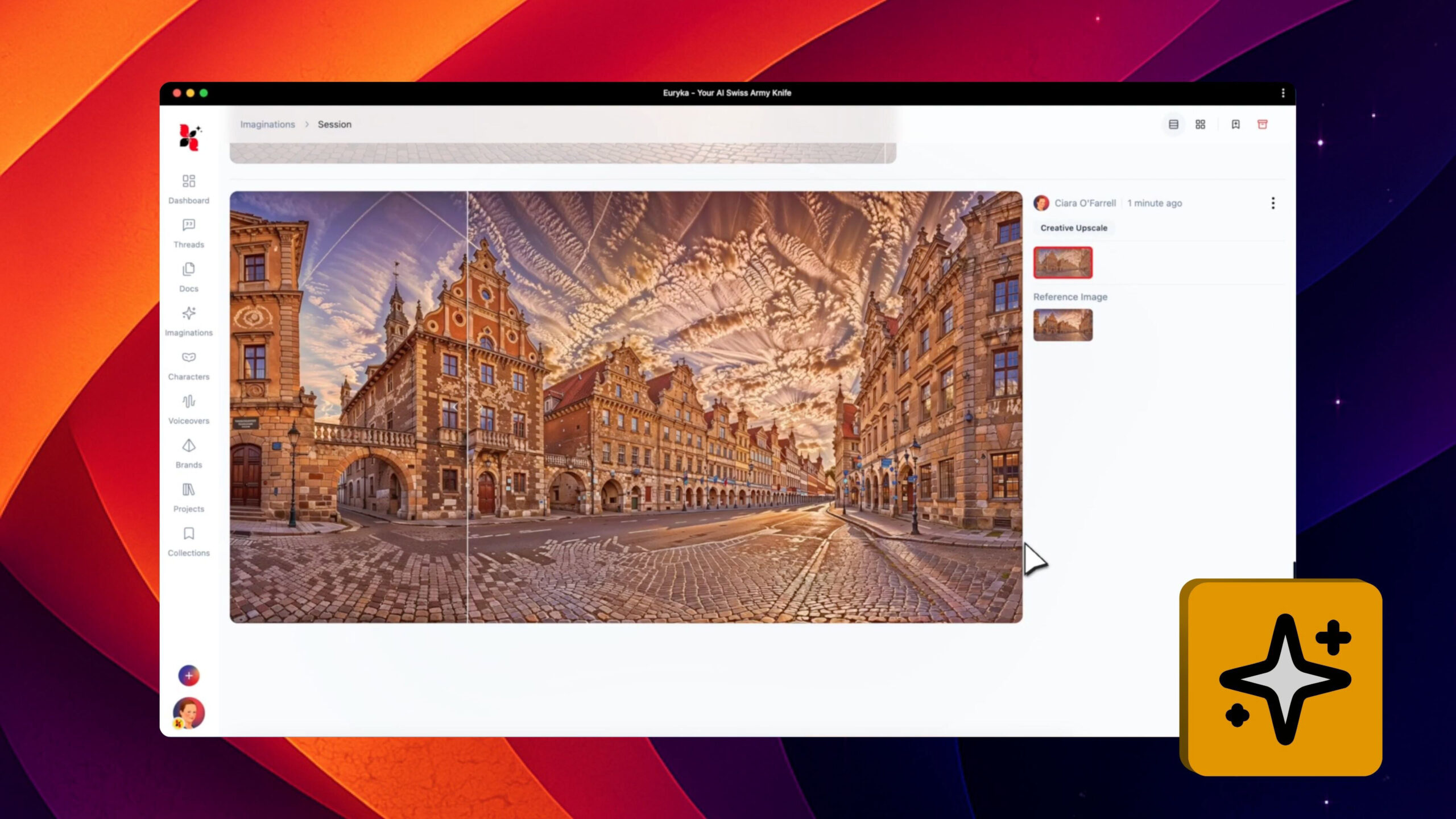
Imaginations
Need to generate multiple versions of an image for different purposes? Euryka's Vary tool makes it effortless. Explore diverse creative possibilities, test different designs, or create a range of content from a single starting image.
Step-by-Step Guide
- Open Your Image: Start by opening your chosen image within the Imaginations workspace.
- Access the Context Menu: Right-click or use the menu options for your selected image.
- Select 'Vary': Choose the Vary option from the available tools.
- Review Your Options: Euryka's AI will instantly generate a variety of new images, giving you different interpretations of your original.
Generating unique and versatile images is now quick and effortless. Use the Vary feature to expand your creative output instantly.