Keeping your writing aligned with brand guidelines while maintaining a creative flow can be a challenge. Scattered notes and disconnected tools often lead to inconsistency and wasted time. Euryka Docs provides a powerful solution: a professional, unified home where your writing and brand guidelines live together, ensuring every piece of content is perfectly on-brand from the very first word.
Getting Started in Euryka Docs
Create a New Document: Click New Document to open a clean, focused editor designed to minimise distractions and maximise results.
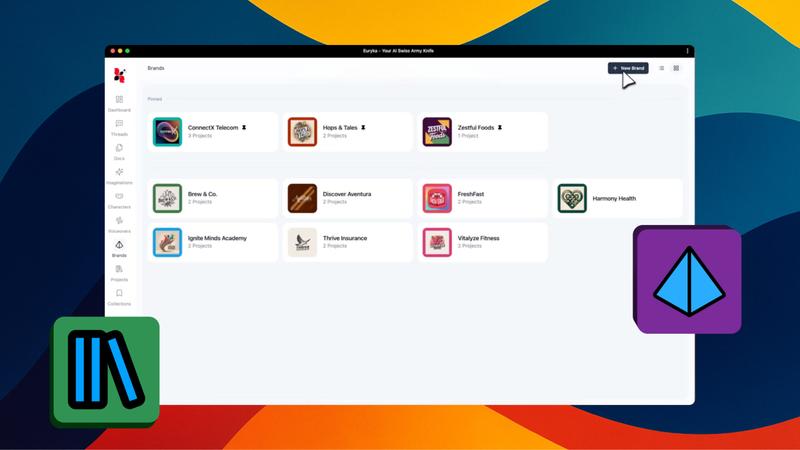
Link to Your Brand: Connect your document to a specific brand and project from your Brand Hub. This simple step ensures every word you write automatically aligns with your pre-defined brand guidelines, from tone of voice to key messaging.
Write like a Professional
Draft with AI: Prompt the AI writer to turn simple bullet points into structured, well-written paragraphs. It’s the fastest way to build a professional foundation for any project, overcoming the initial hurdle of a blank page.
Refine with the AI Toolbar: Highlight any section of text to reveal the powerful AI toolbar.
Ask AI: Provide specific instructions or execute custom commands directly on your highlighted text for precise edits.
Simplify: Clarify complex points to make your writing more accessible.
Spelling and Grammar: Give your work a professional polish with a single click.
Make Longer/Shorter: Effortlessly expand on a thought for a detailed piece or create punchy, concise copy for social media and ads.
Formatting at Your Fingertips
Structure with the Format Menu: Use the Format menu to create clarity and readability.
Hierarchy: Use headings (H1, H2, H3) to establish a clear structure.
Lists: Organise information with bulleted or numbered lists, and use task or toggle lists to manage action items and complex content.
Emphasis: Use block quotes for emphasis and code blocks for technical snippets.
Add Visual Depth: The Insert menu has you covered when you need more than just text.
Tables: Drop in tables to display data clearly.
Images: Add images for impact. Use the adjustment panel that appears above the image to seamlessly align its position and fine-tune its scale.
Layouts: Utilise columns to split your layout. The column adjustment controls allow you to effortlessly shift alignment or switch between sidebar and multi-column views.
Separators: Insert a horizontal rule for clean visual separation between sections.
Centralise Your Styling: The integrated formatting toolbar centralises essential tools, including text hierarchy, font styles, and sizing. It also provides advanced styling options like bold, italics, underlining, strikethrough, code formatting, linking URLs, text highlighting, colour adjustments, and text alignment, ensuring you can maintain a professional finish with ease.
Add Navigation: For longer pieces, automatically generate a table of contents to help your team navigate your document in an instant.
Seamless Collaboration and Exporting
Invite Your Team: Collaboration is built-in. Click the share icon to invite your team and assign specific roles, managing exactly who can edit or review your creative work.
Export Your Work: When your document is ready, click the download icon to export. Choose from multiple formats:
Word: For further offline editing.
PDF: For professional, universal sharing.
Markdown: For web and developer workflows.
Organising Your Document Library
Keep Track of Everything: Rename your document in the top bar for easy tracking. You can also adjust the editor width for your preferred workspace view or click the regenerate icon to refresh your current content.
Prioritise Your Work: Pin critical docs to the top of your sidebar for rapid access and star individual docs to act as quick bookmarks for your best ideas.
Declutter Your Workspace: When a doc is complete, select Archive from the context menu. Should you need it again, simply head to your archive section to restore the document within seven days and pick up exactly where you left off.
Find Anything, Instantly: Switch between list and grid views to suit your style, and use the search bar to locate any document by name or keyword instantly. The Sparks Gallery also offers a suite of pre-built, AI-powered templates to accelerate your creation process.
Euryka Docs empowers you to move from initial idea to finished, on-brand content faster than ever before. By bringing your writing, brand assets, and powerful AI tools into a single, organised space, you can finally stop fighting the blank page and start finishing projects with confidence. Make high-quality, on-brand writing your new standard.