With the Euryka Chrome extension, your AI tools are always just a click away on any webpage. It uses the context of the page to help you generate relevant content and ideas right where you are, without breaking your flow.
Step-by-Step Guide
Install the Extension: Download and install the Euryka extension from the Chrome Web Store.
Log In: Sign in to your Euryka account to sync your brands, projects, and settings.
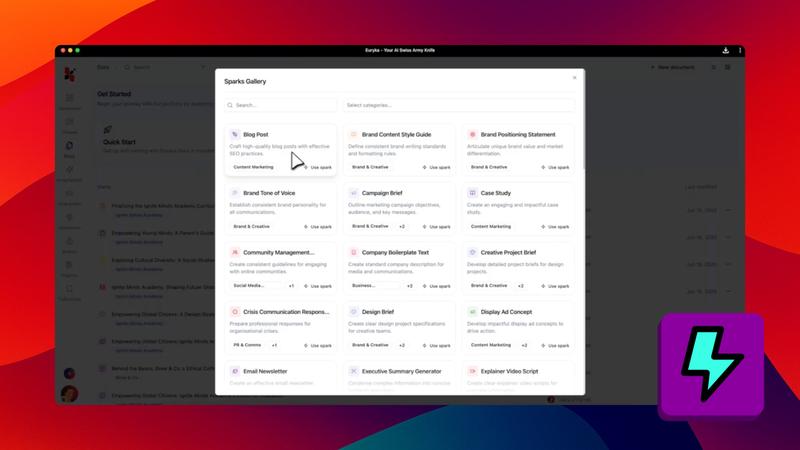
Open the Sidebar: Click the Euryka icon in your browser toolbar to access your full Sparks library.
Start Creating: Navigate to any webpage, Google Doc, or social media platform. The extension will analyse the on-page context.
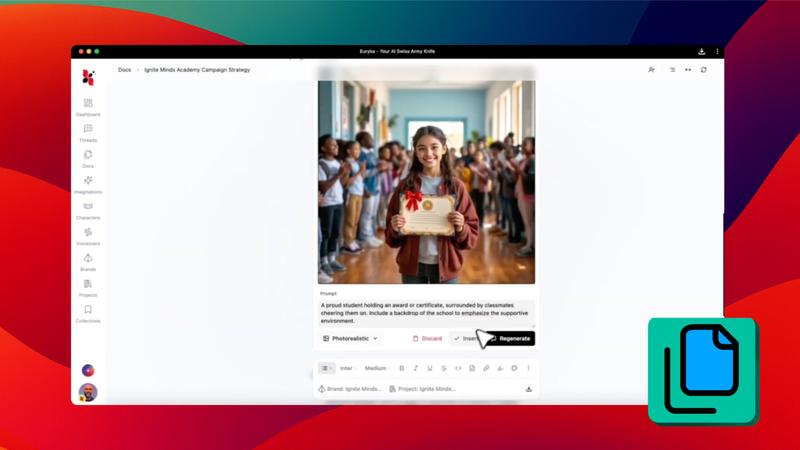
Generate Content: Use your Sparks to generate relevant content instantly, wherever you are working.
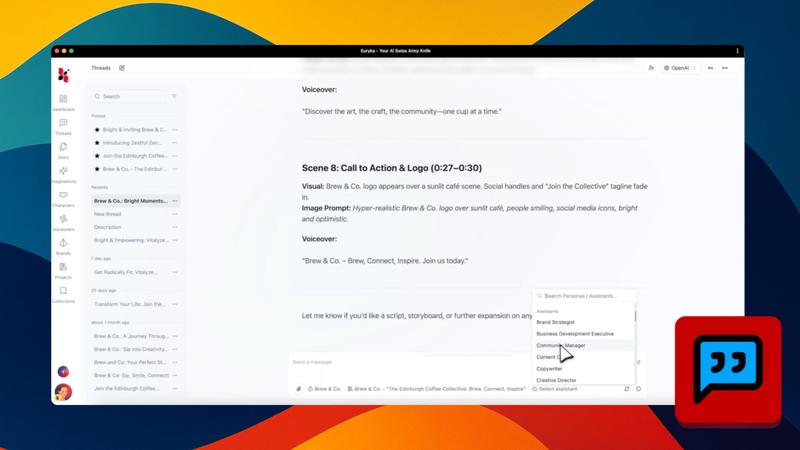
Track Your Work: Access your full history within the extension to stay organised and keep a record of your activity.
Download the Euryka Chrome Extension and start creating anywhere on the web.