Ever felt the friction of jumping between different tools to bring a single campaign to life? One app for visuals, another for audio, and yet another for video? Euryka Imaginations streamlines this entire process, unifying every creative medium into a single, intelligent workspace. It’s your command centre for generating visuals, audio, and video that are all perfectly on-brand, transforming your ideas into deployable assets in moments.
Step-by-Step Guide
Start with Quick Generate: Your journey begins at the quick generate bar. Simply choose your desired content type—image, audio, or video—from the dropdown menu and describe what you want to create. You can also select your preferred AI model, accessing multiple leading engines with unique creative strengths without ever losing your context.
Leverage Multi-Model Fan-Out to generate results across multiple models simultaneously to compare styles and creative strengths instantly.
For precise anchoring, utilise Multi-Reference Support (supported by Seedream 5 Pro) to use up to five reference images simultaneously, which can be pulled directly from your established Brand Assets to ensure every generation is grounded in your existing visual library.
Refine and Perfect Your Visuals: Once your initial visual is generated, a suite of powerful Quick Actions appears, allowing for instant refinement.
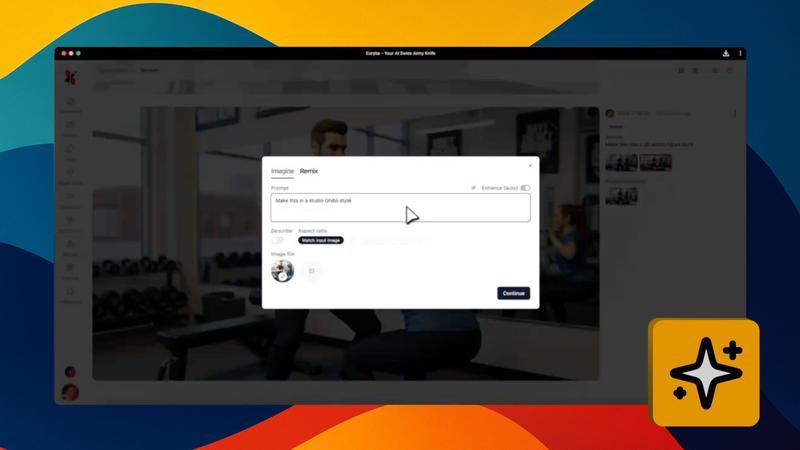
Remix: Refine your images with precision.
Vary: Explore new creative directions from the same starting point.
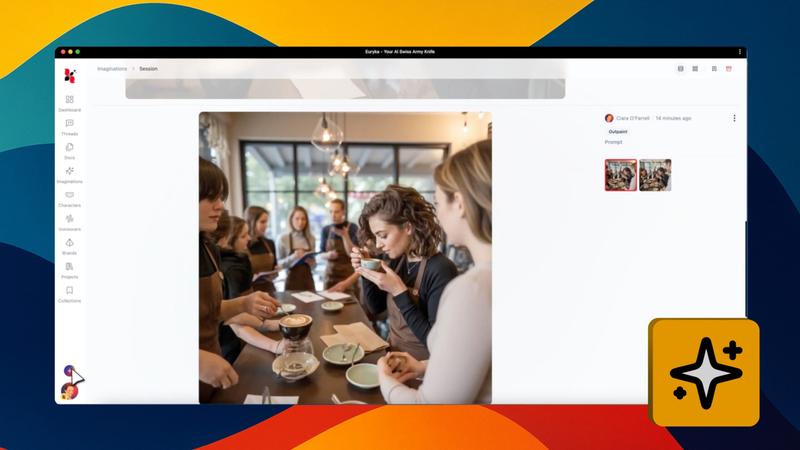
Inpaint & Outpaint: Make surgical edits or expand your canvas.
Vectorise: Convert any image into scalable vector artwork.
Upscale: Generate crisp, high-resolution detail for print or digital use.
Remove Background: Isolate your subject with a single click.
Motion: Add dynamic video elements to a static image.
Describe: Instantly generate captions or alt text for accessibility.
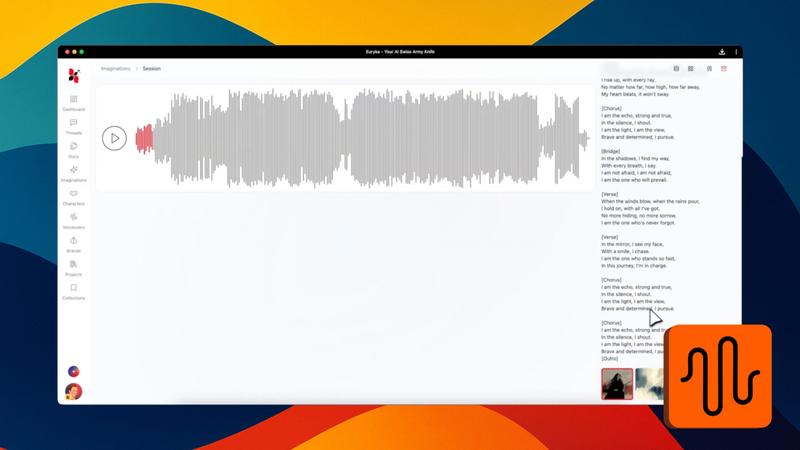
Generate Custom Audio: Need a soundtrack? Click the audio icon and describe the style or atmosphere you’re looking for. Use the sparkle icon to expand on your idea, choose the best AI model for your needs, and generate an original track tailored to your specifications. Say goodbye to licensing concerns and stock audio limitations.
Create Engaging Video: To produce a video, click the motion icon and enter your prompt. Expand your vision with the sparkle icon, then select your AI model, aspect ratio, and desired duration. You can even toggle on audio generation for a matching soundscape and set specific start and end frames for precise control. The AI will transform your concept into a compelling video sequence, ready for any channel.
Organise and Collaborate Seamlessly: All your work is automatically saved and organised.
Navigate Your History: Use the Sessions view to see work grouped by project, Iterations to track your conversational history, and Generations for a high-level grid of every asset. You can also filter by images, audio, or video.
Manage Assets: Select any file to reveal a bottom toolbar for instant actions like remixing or downloading. Favourite your best work with the heart icon or use the eye icon to locate an asset in your session timeline.
Collaborate: Click the Share icon to invite your team, ensuring everyone stays aligned.
Stay Tidy: Keep your workspace organised by renaming, pinning, or archiving sessions. You can restore archived files for up to seven days.
Customise Your View: Switch between four primary views—Sessions, Generations, Grid, and Timeline—to suit your workflow.
Find Anything: Use the search bar to locate any creative session instantly.
Euryka Imaginations provides a single, powerful platform where your creative vision becomes reality—fast, efficiently, and always on-brand. Get started today.