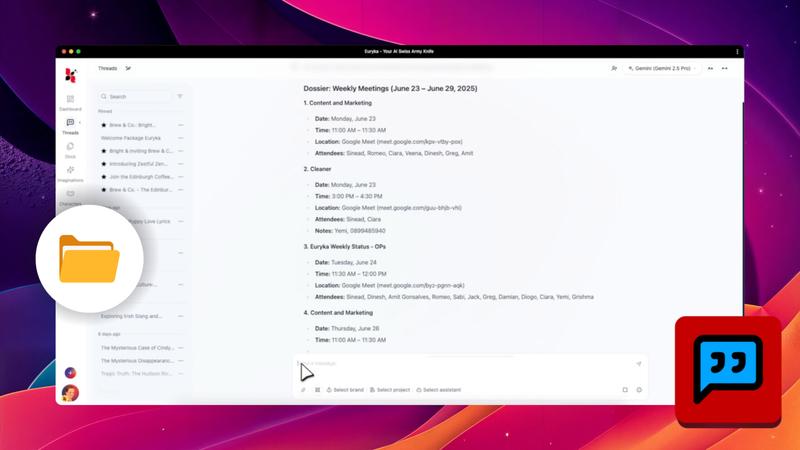
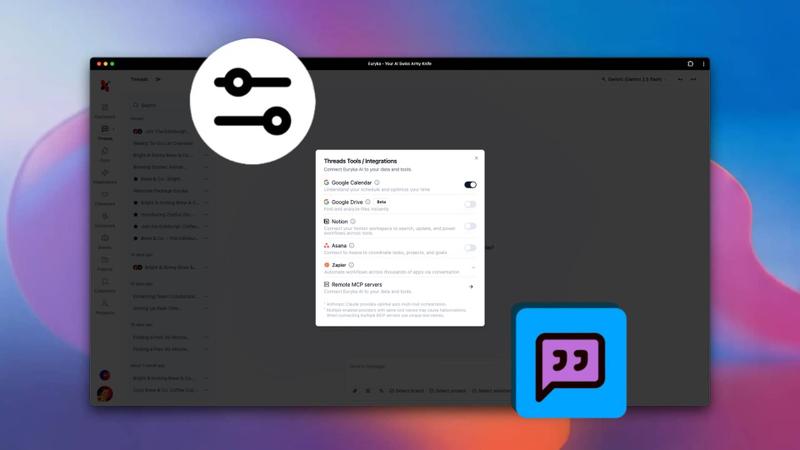
Streamline your scheduling by managing your calendar directly within Threads. Use simple, natural language to create and modify events without ever leaving your conversation, keeping you organised and focused on the task at hand.
Step-by-Step Guide
- Create an Event: Type your request conversationally. For example, "Schedule a marketing sync for Friday at 2 PM." Euryka will confirm the details and add it to your calendar.
- Reschedule an Event: Simply state the change you need. For instance, "Reschedule my marketing sync to 3 PM." Euryka finds the event and updates it automatically.
- Add Guests: Easily include others by typing, "Add a guest to that meeting." The event will be updated with the new attendee.
Stay organised and efficient by managing your entire schedule within the flow of your work. There's no need to switch applications—just have a conversation.