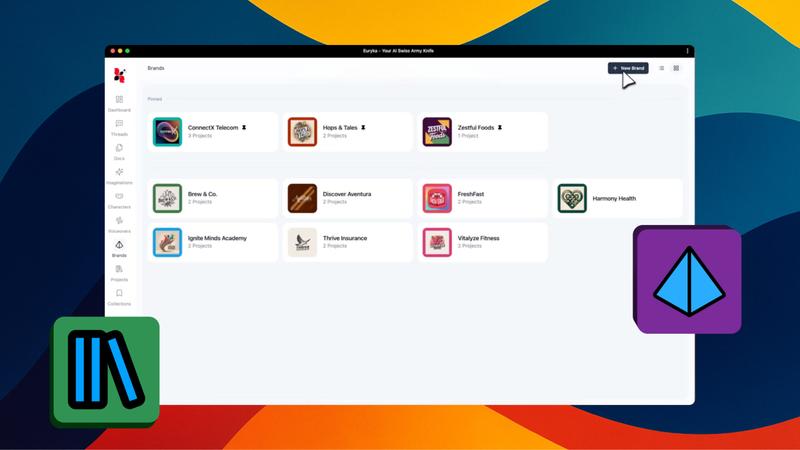
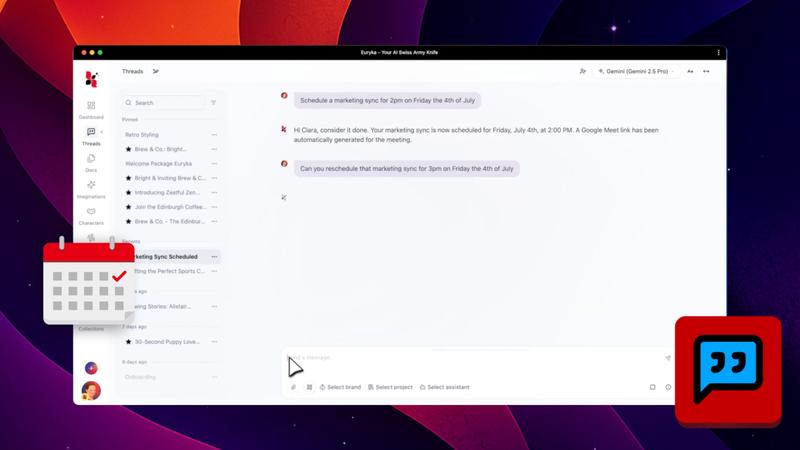
Discover how to elevate your AI's performance in Euryka with our new Brand & Project Files feature! This video will guide you through attaching files directly to your Brands and Projects, transforming how your AI understands and generates content.
Elevate your AI's intelligence by training it with your specific brand and project files. This process fine-tunes the AI, ensuring your brand voice remains sharp and the output is consistently aligned with your goals, making the AI truly understand your work.
Step-by-Step Guide
- Train with Brand Files: Navigate to the brand settings sidebar. Upload your core brand documents, such as guidelines and parameters, to establish the big-picture context for the AI.
- Add Project-Specific Files: For individual projects, upload detailed files like briefs, reports, and data directly into that project's workspace.
- Keep AI Focused: A pro tip is to use brand files for your overarching brand rules and project files for the specific details of a task. This keeps your AI's responses relevant and accurate.
Unlock a smarter, more intuitive AI today. Start training it with the files that define your brand and projects for consistently better results.