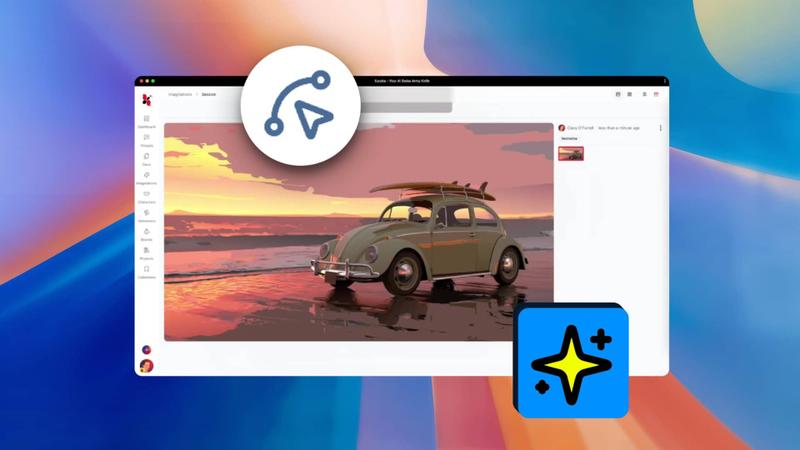
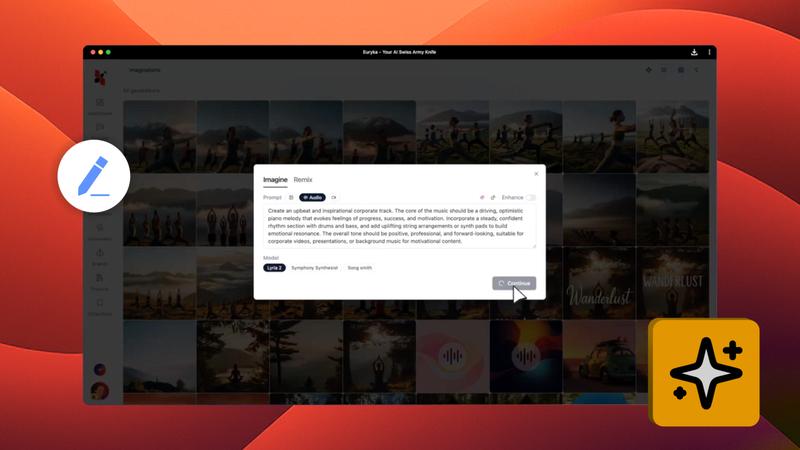
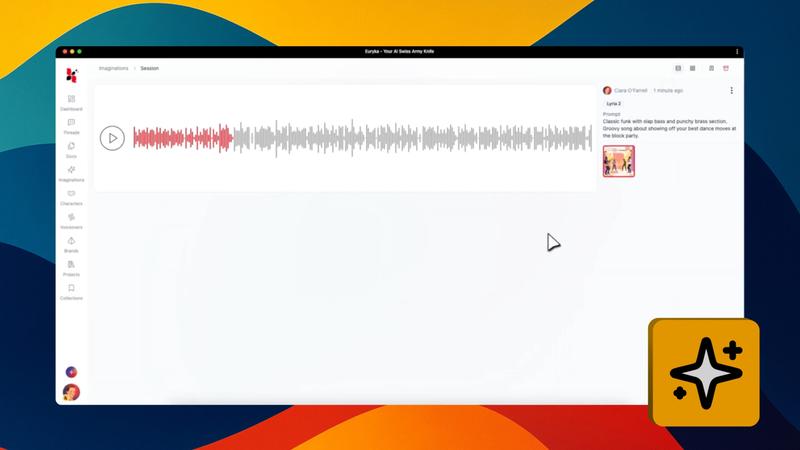
Get acquainted with the Imaginations interface. Understanding its key features will help you organise your work, track your creative progress, and manage your projects with ease, making your workflow intuitive and effortless.
Key Features Explained
- Sessions & Generations: Use
Sessionsto organise your work into distinct projects.Generationsautomatically tracks the different versions of your creations within each session. - The Grid: This is your main workspace where all your generated images are displayed, allowing you to easily browse and compare them.
- The Timeline: Located on the right, the
Timelineshows a complete history of your edits, letting you track changes or revert to previous versions. - Image Options: Hover over any image to see two icons. The
Eyelets you preview it in full screen, while theHeartsaves it as a favourite. - Session Management: Use the context menu on a session to
Renameit for clarity orPinit to the top of your list.
With this intuitive layout, organising, editing, and enhancing your creations becomes a seamless part of your creative process.