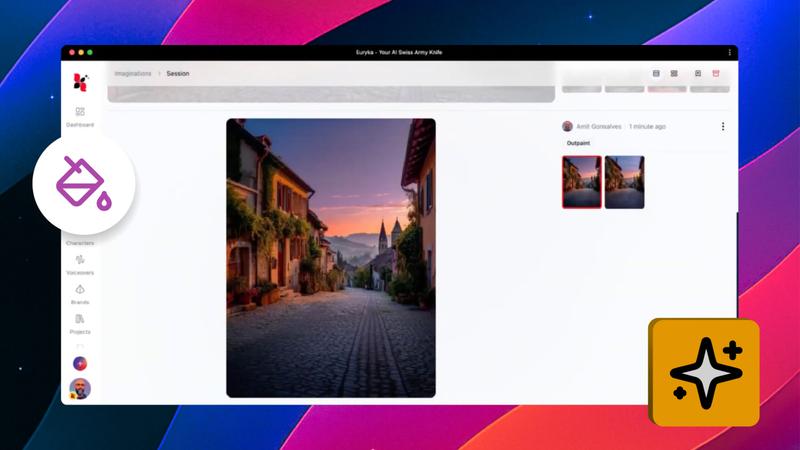
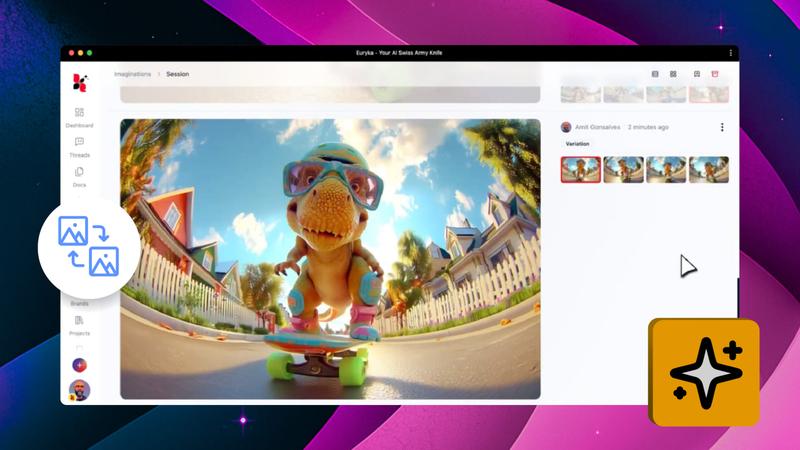
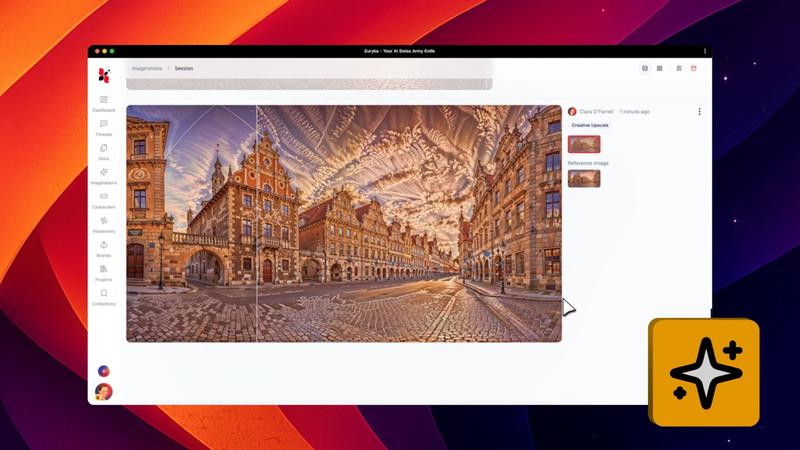
Effortlessly remove unwanted objects, fix details, or add new creative elements to your pictures. Euryka's InPaint tool makes professional-level image editing simple, allowing you to perfect your visuals with just a few clicks.
Step-by-Step Guide
- Open Your Image: Start by opening your chosen image within the Imaginations workspace.
- Select InPaint: Access the context menu for the image and choose the
InPaintoption. - Highlight the Area: Use your cursor to highlight the specific part of the image you wish to edit.
- Describe Your Edit: In the prompt box, clearly describe the change you want, whether it's removing an object or adding a new one.
With InPaint, editing your images is fast, intuitive, and surprisingly fun. Make quick cleanups or creative adjustments to get your visuals looking just right.