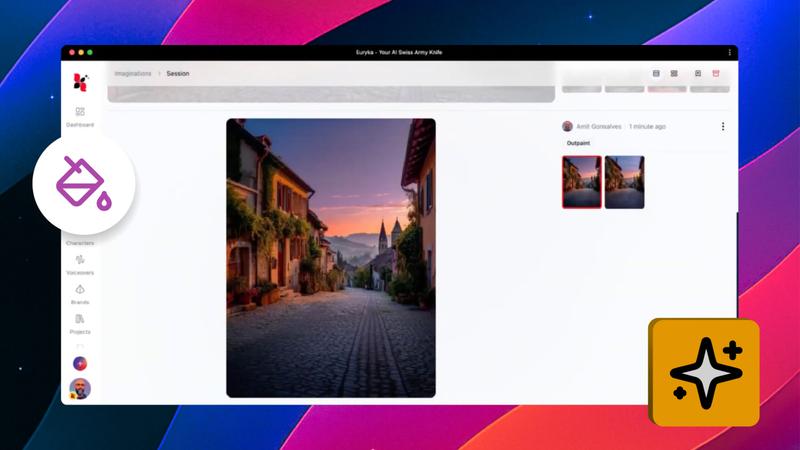
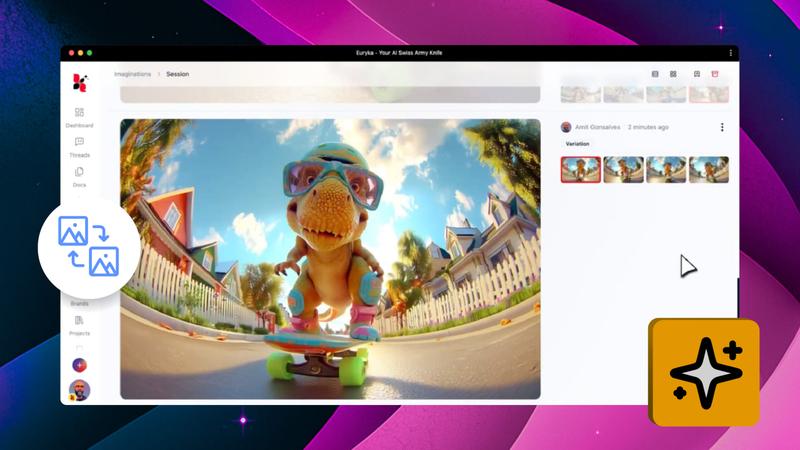
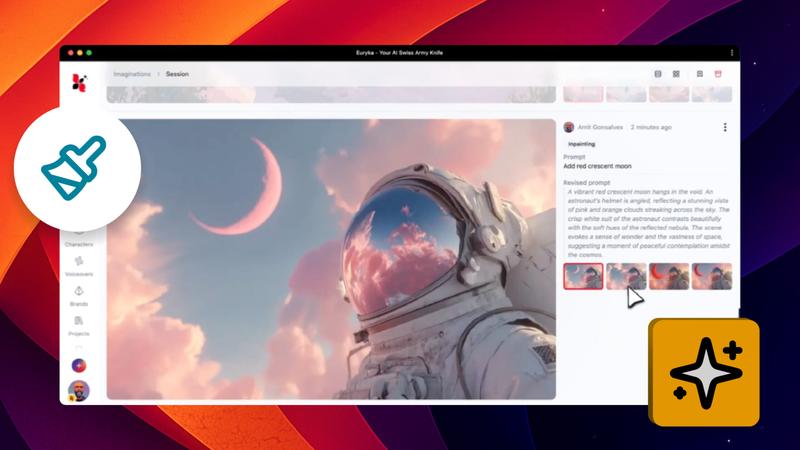
Sometimes a standard enhancement isn't enough, especially when you need visuals for high-resolution displays or professional print work. This advanced technique shows you how to push Euryka's AI image upscaler to its absolute limits, revealing incredible levels of detail and clarity that a single pass might miss.
Step-by-Step Guide
- Perform the Initial Upscale: Start by opening your image's context menu and selecting
Upscale. Choose your preferred style and set the resolution with the multiplier. - Scale the Image Down: Once your first upscale is complete, take the new, enhanced image and scale it down to half its size.
- Run the Upscaler a Second Time: Now, run the
Upscaleprocess again on this smaller, previously-enhanced image. - Download the Final Result: Your final image is now ready to be downloaded, containing a remarkable level of AI-generated detail.
This powerful method forces the AI to work harder, generating even finer details and textures in your visuals. It’s a simple but incredibly effective way to achieve professional-grade results. Give it a try on your next project and see the remarkable difference for yourself.