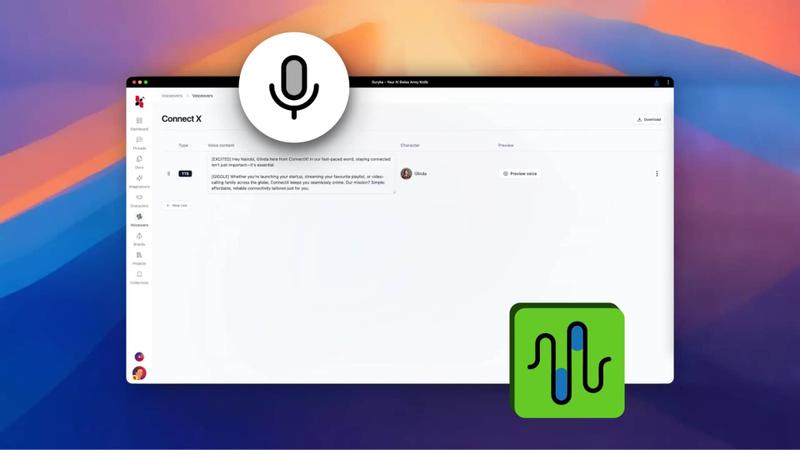
Bring your written content to life with natural-sounding audio. Euryka's Text-to-Speech tool effortlessly converts text into high-quality voiceovers, perfect for enhancing videos, podcasts, or presentations with polished audio.
Step-by-Step Guide
- Select Your Text: Highlight the written content you wish to convert into speech.
- Choose a Voice: Select your preferred voice style from the available options.
- Generate Audio: Access the context menu and select the option to generate the voiceover.
- Preview the Result: Listen to the high-quality, natural-sounding audio generated by the AI.
- Download Your File: Once satisfied, access the context menu again to download the voiceover, ready for any project.
Transforming your text into a professional voiceover is now quick and versatile. Start creating polished audio for your projects today.