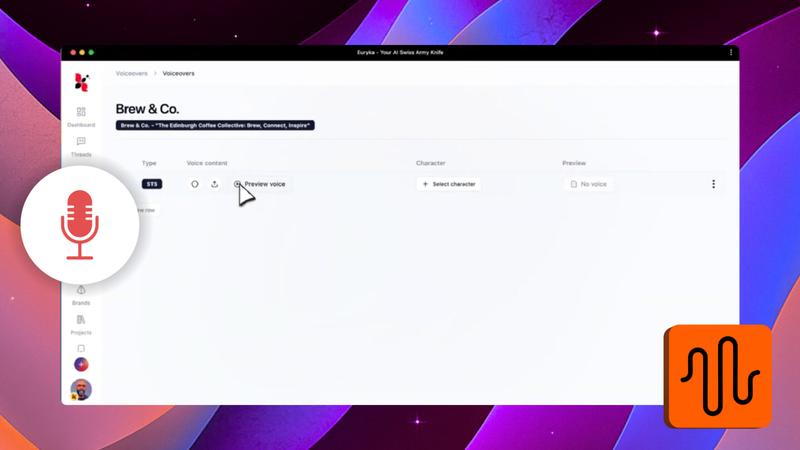
Transform your spoken content into polished, professional voiceovers. Euryka's Speech-to-Speech tool makes it simple to repurpose interviews, podcasts, or any recorded audio, giving your projects a clean, high-quality sound.
Step-by-Step Guide
- Select the Feature: Start by choosing the
Speech-to-Speechoption. - Record Your Audio: Record the spoken content you wish to convert.
- Choose a Voice Style: After recording, preview your audio and select your preferred voice style.
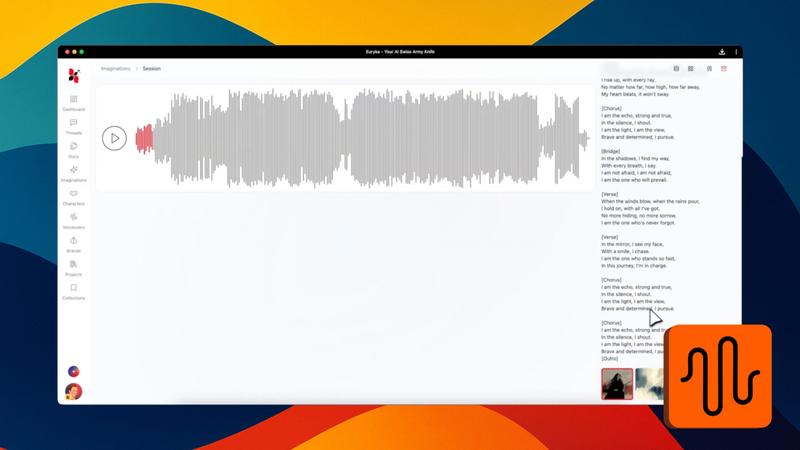
- Generate the Voiceover: Access the context menu and generate the new voiceover.
- Download Your File: Listen to the professional result and download it directly from the context menu.
With Speech-to-Speech, converting raw audio into versatile, professional voiceovers is quick and easy. Start transforming your spoken content today.