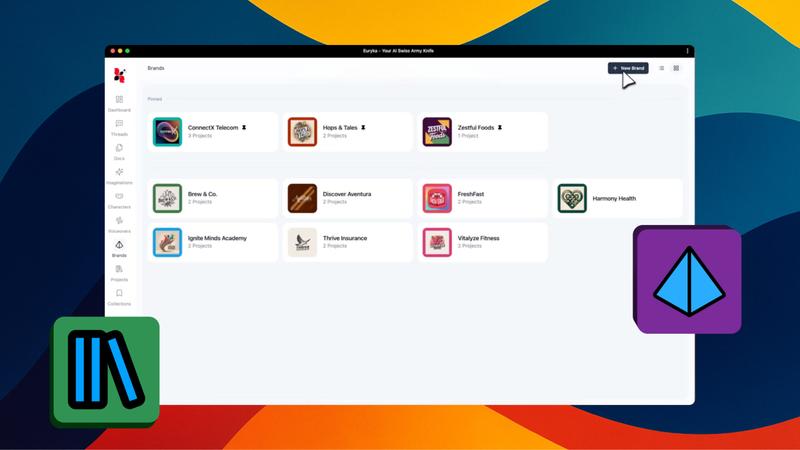
Establish your brand's foundation within Euryka in moments using the intelligent Autofill feature. This tool scans your website and automatically extracts core brand elements, instantly populating your Brand Hub without manual data entry.
Step-by-Step Guide
- Navigate to Brand Hub: Access your Brand Hub and select
New Brand. - Enter Basic Information: Input the necessary brand information in the required fields.
- Locate Autofill: Find the
Autofilloption within the brand setup interface. - Add Your Website: Enter your company's website address in the designated field.
- Execute Autofill: Click
Autofilland wait a few moments whilst Euryka intelligently analyses your website content.
Your Brand Hub is now instantly populated and ready to use. You can easily adjust the information by using Autofill again or making manual edits as needed. Autofill is the fastest and most efficient way to get your brand established within Euryka's ecosystem.