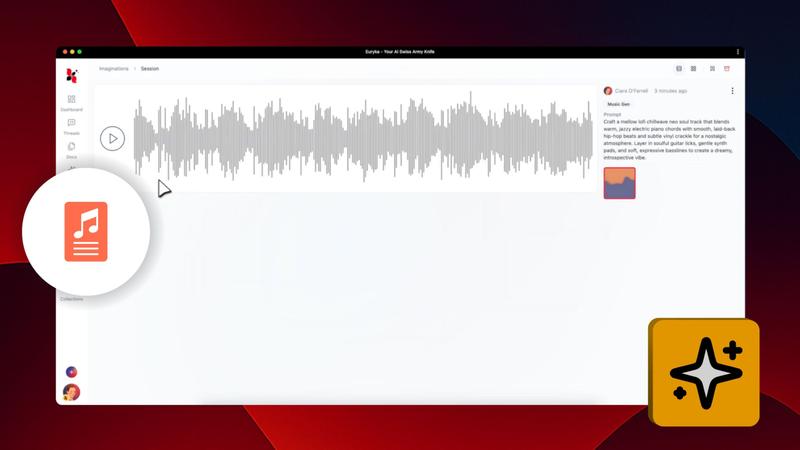
Create original music effortlessly using Euryka Imaginations. Describe the soundtrack you envision, and leverage powerful auto-prompting tools to refine your idea and generate the perfect track for your videos, presentations, or any creative project.
Step-by-Step Guide
- Access Audio Creation: Navigate to Imaginations, select
Imagine, then chooseAudio. - Describe Your Music: In the prompt box, describe the music you want to create.
- Refine Your Prompt: Use the
Suggestfeature for a more detailed prompt or theDicefeature for instant creative ideas. - Select AI Model: Choose the AI model that best fits your desired musical style.
- Generate Your Track: Click
Continueto have Imaginations compose an original piece of music. - Finalise Your Music: Preview the track and use the options menu to
Remix,Download, orAdd to Project.
With just a few clicks, you can produce the perfect soundtrack. Let Imaginations bring your auditory ideas to life in minutes.