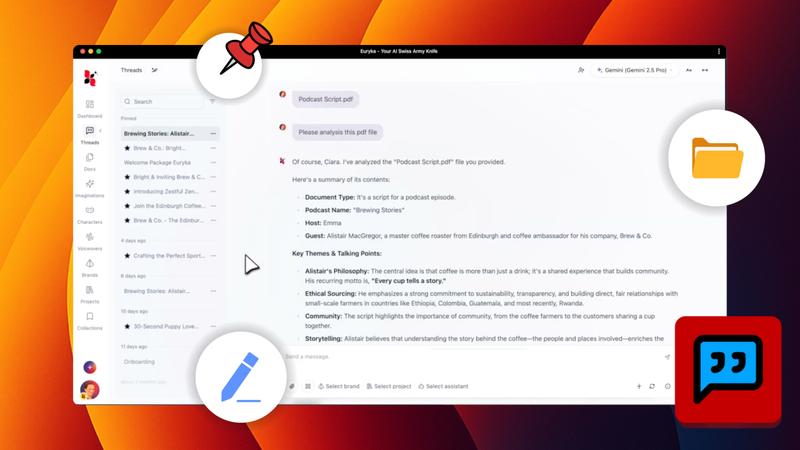
Streamline your project workflow by attaching files directly within Threads. This feature keeps all your essential documents and assets organised and in context, allowing Euryka to provide instant insights and summaries from your files.
Step-by-Step Guide
- Initiate Attachment: Begin by either clicking the paperclip icon in the message field or by dragging and dropping a file directly into the prompt input box.
- Select Your File: If using the paperclip icon, your computer's file browser will open. Locate and select the desired document.
- Add Context: With the file now visible, add any accompanying text to provide context for your team or your request.
- Send Your Message: Click Send. Euryka will analyse the file, making it accessible to anyone with access to the thread.
Attaching files in Threads is a simple yet powerful way to maintain project organisation and ensure seamless collaboration. Keep your important conversations and materials together in one place.